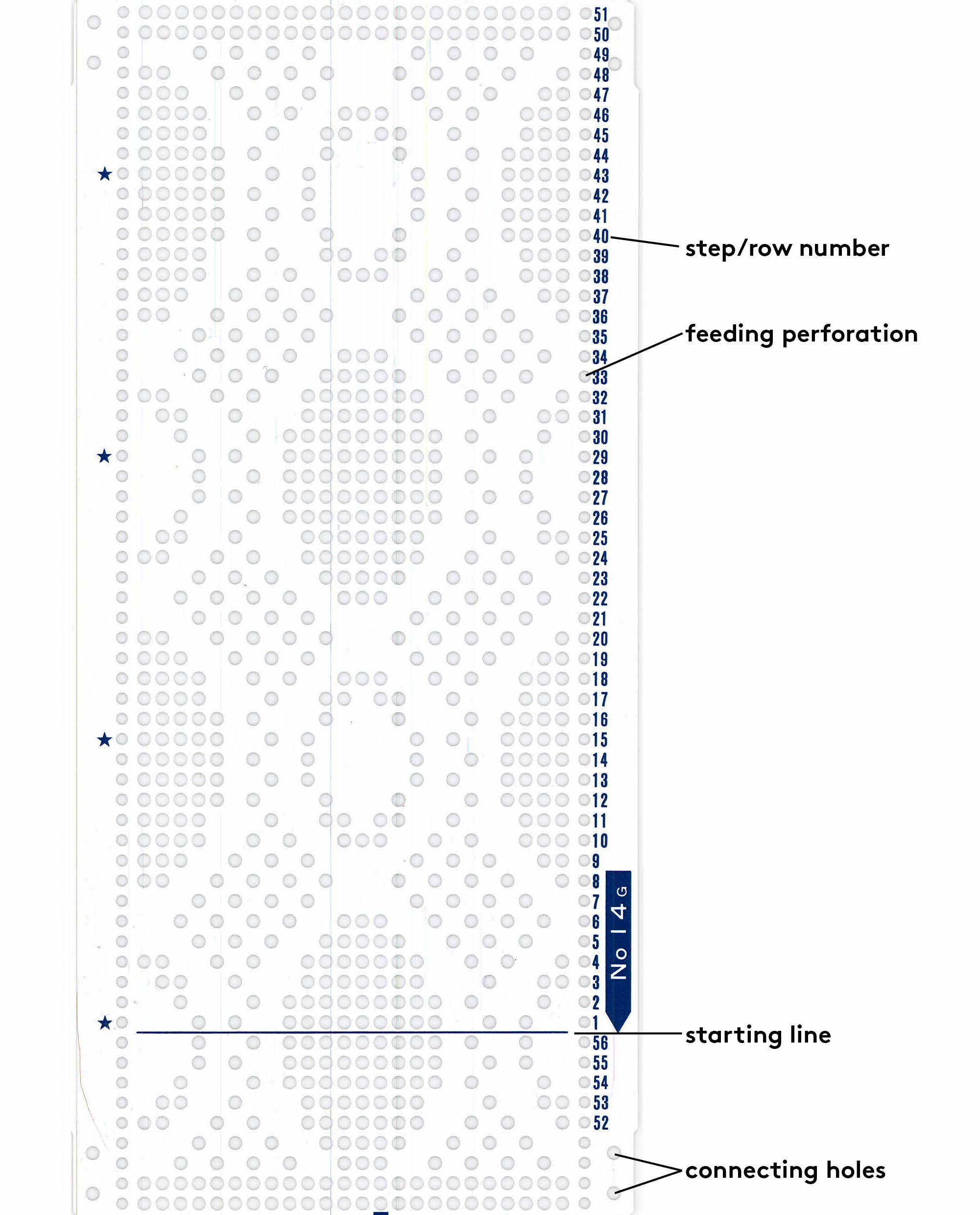
Designing your own punch card
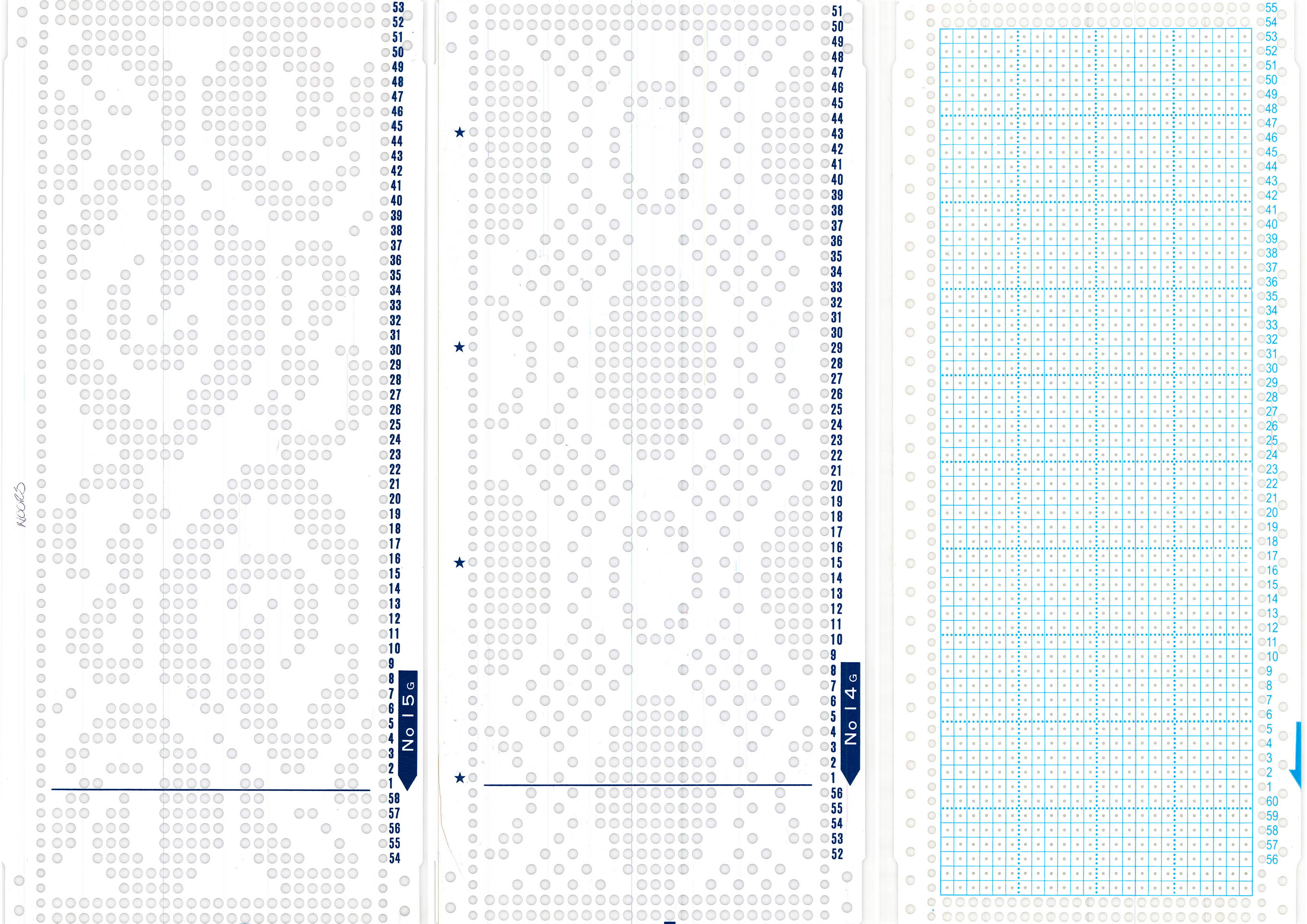 Two pre-designed punch cards and one blank punch card
You can use pre-made punch cards or create your own design using a blank punch card. With a special tool, you'll punch holes in the blank card. Make sure to pre-plan your design, as mistakes are easily made. Our tips for planning your design:
- Grid paper and a pencil
- Excel (scale the cells to be square)
- Adacad, an open source program for weaving. As weaving and knitting design both use binary code, you can use the program for this purpose as well. Link: https://adacad-4-1.web.app/. Steps:
- Select "add draft" on the left top, enter the amount of vertical under "warps" and the amount of horizontal rows under "weft".
- Click on the draft that appears, select "draft" at the top of the page.
- Under "loom type", on the left of the page, select "jacquard". Click on a square in your draft now and it turns black.
- Make your design. Save it by pressing the house icon --> "export as" --> the file type you want.
Reading the punch card: