
Focus Pico Beamer ML1050sti (UITLEEN)
https://www.optomaeurope.com/product/ml1050sti
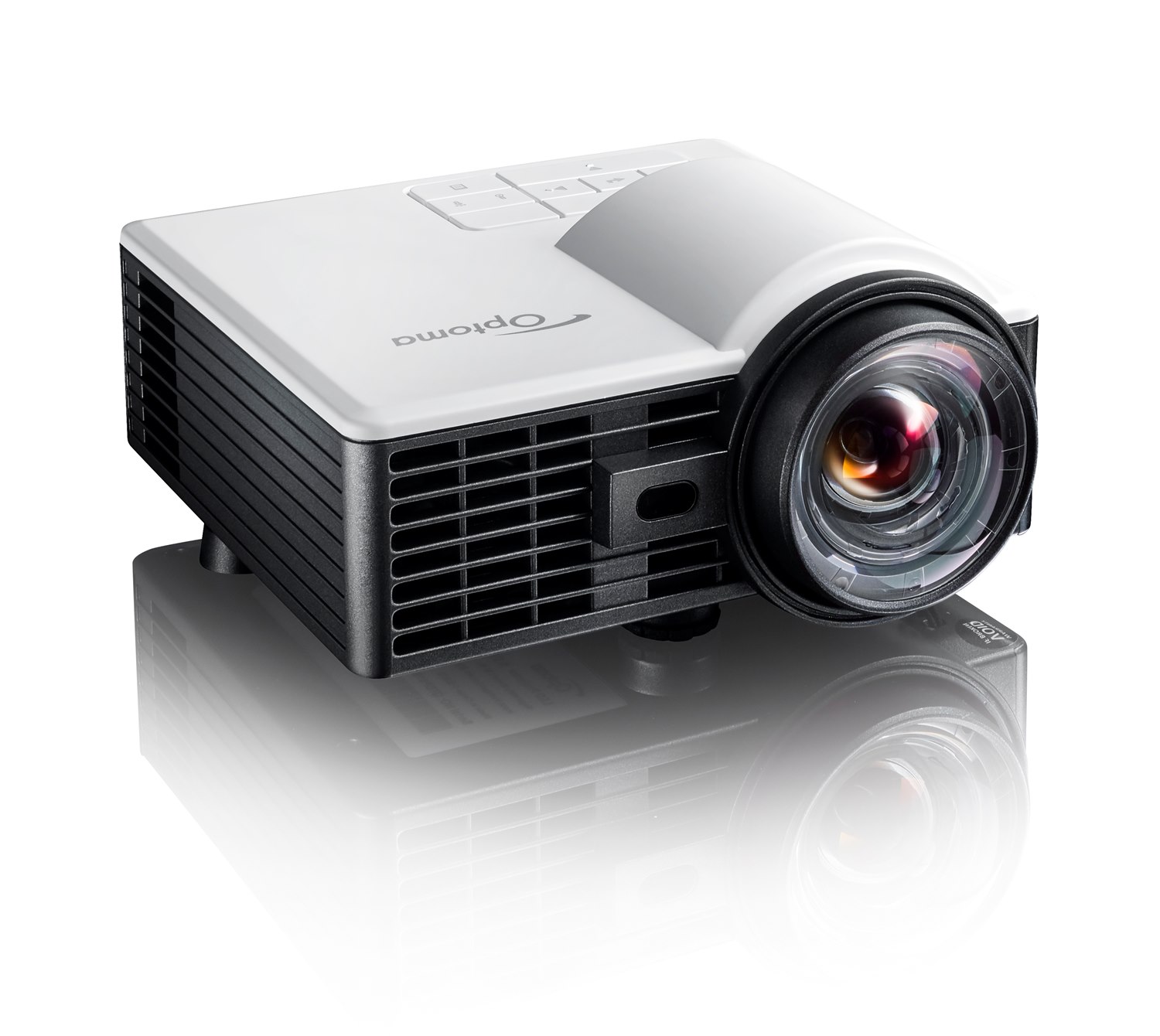
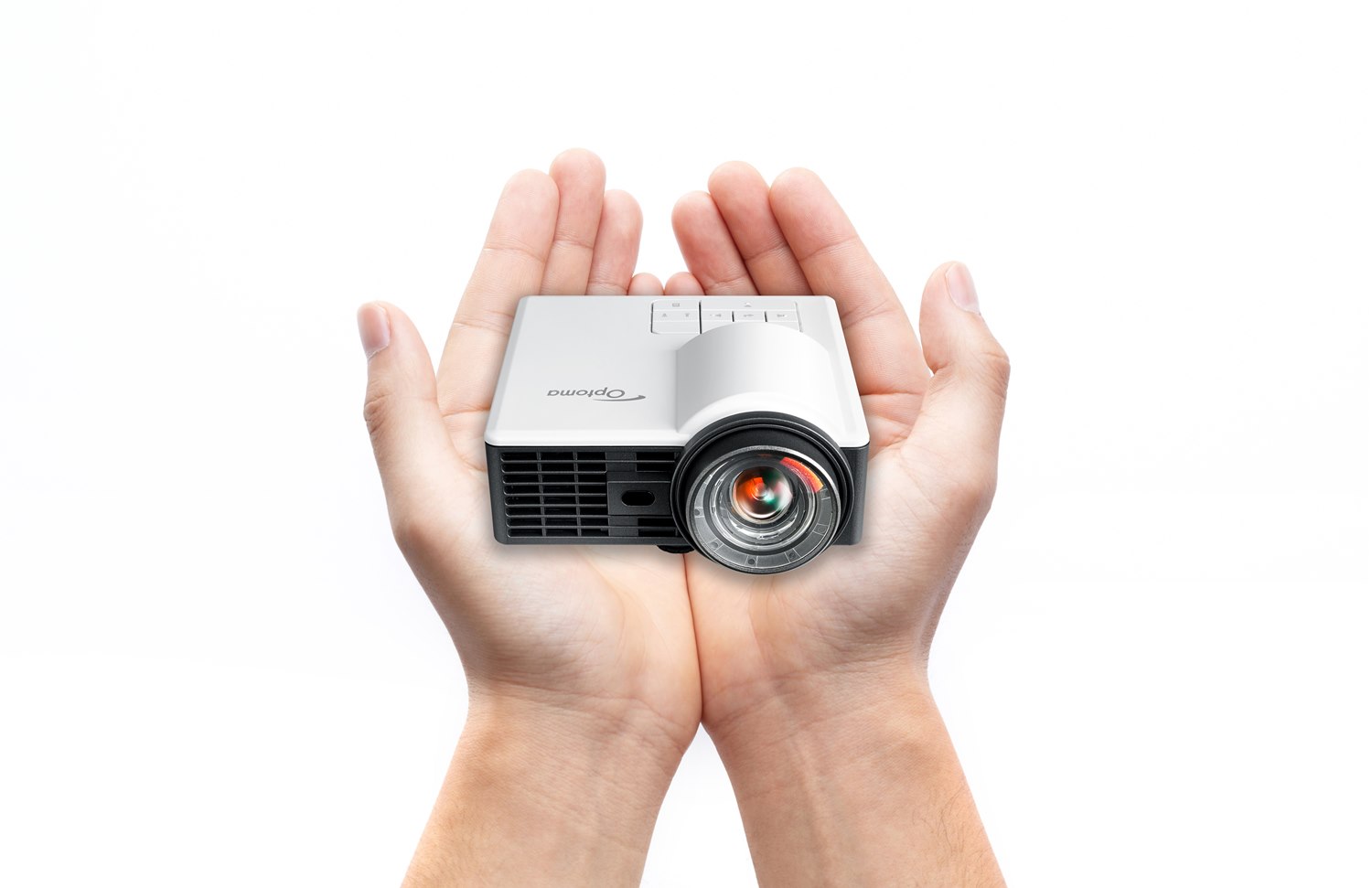
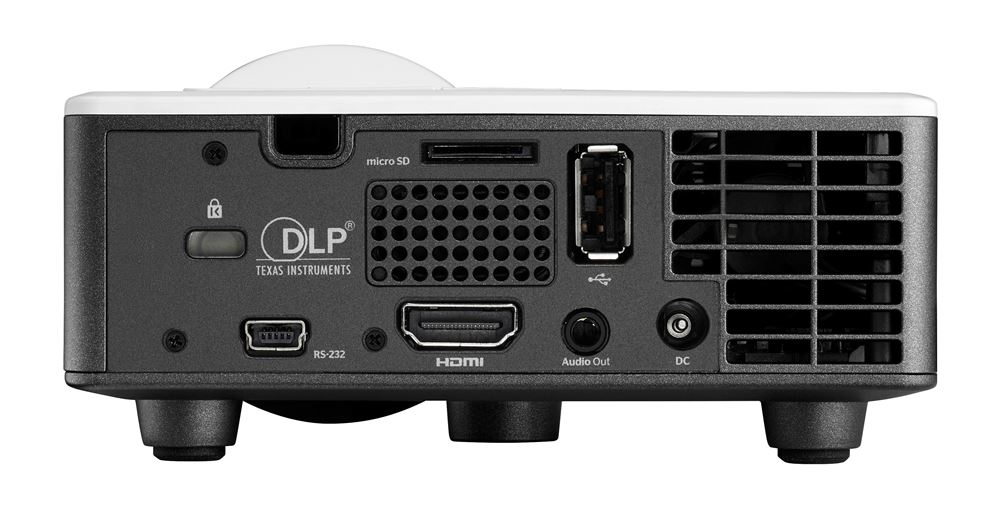
This projector has autofocus, which is awesome but can also be super annoying!
DO NOT TWIST THE LENS MANUALLY!
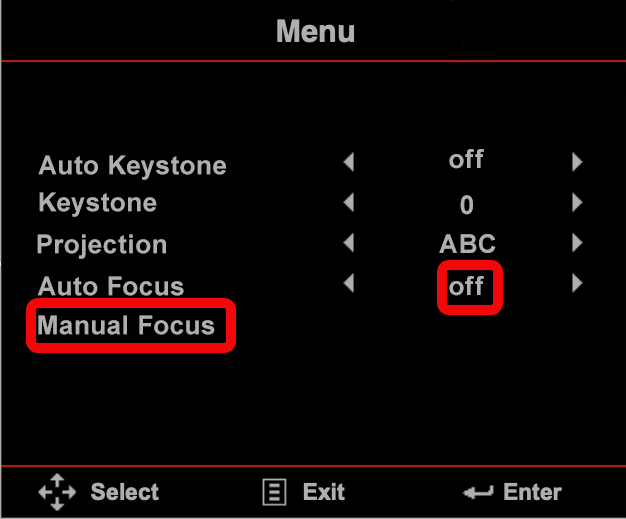
Instead, turn off autofocus in the menu:
It may start to autofocus.
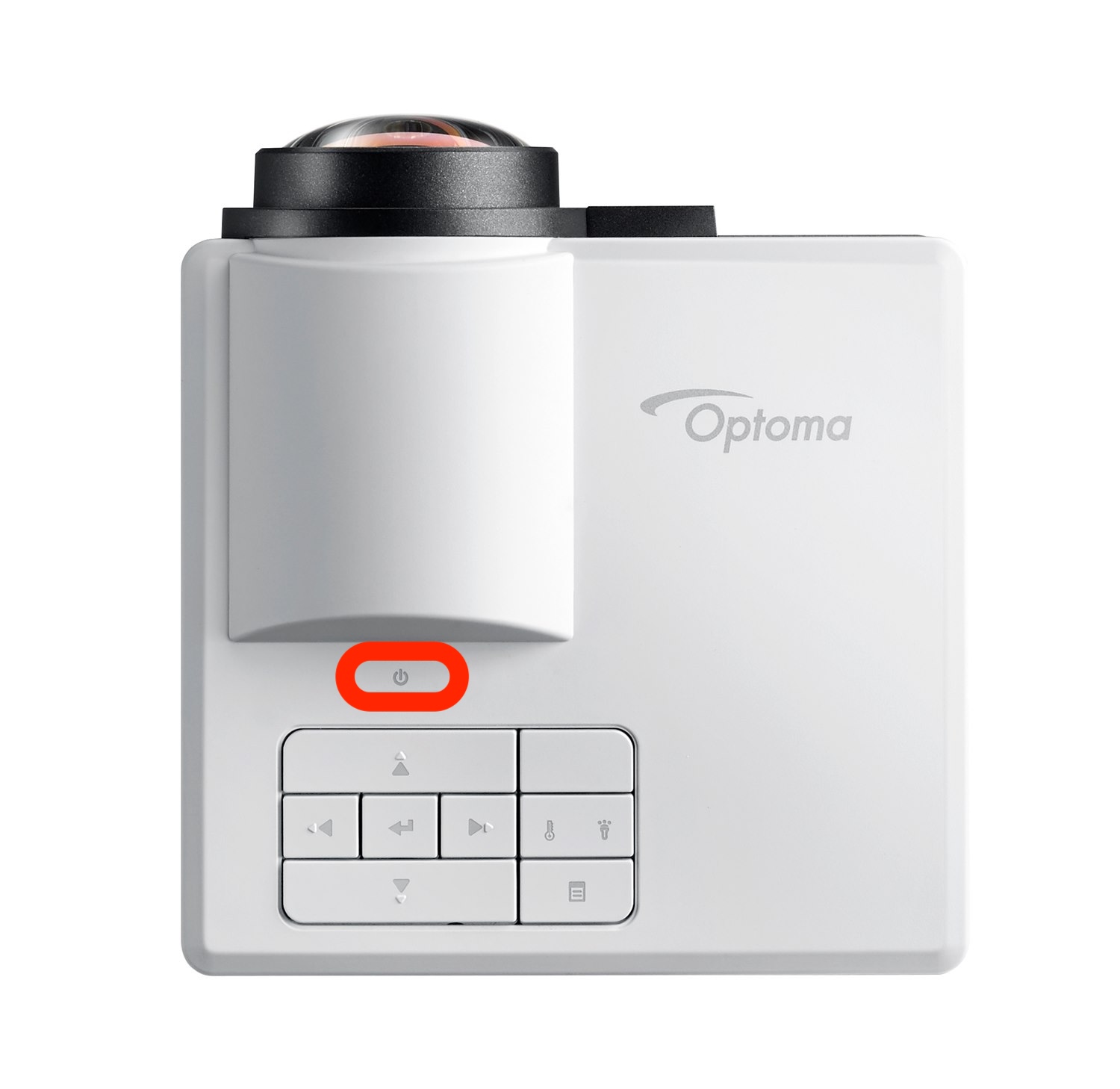
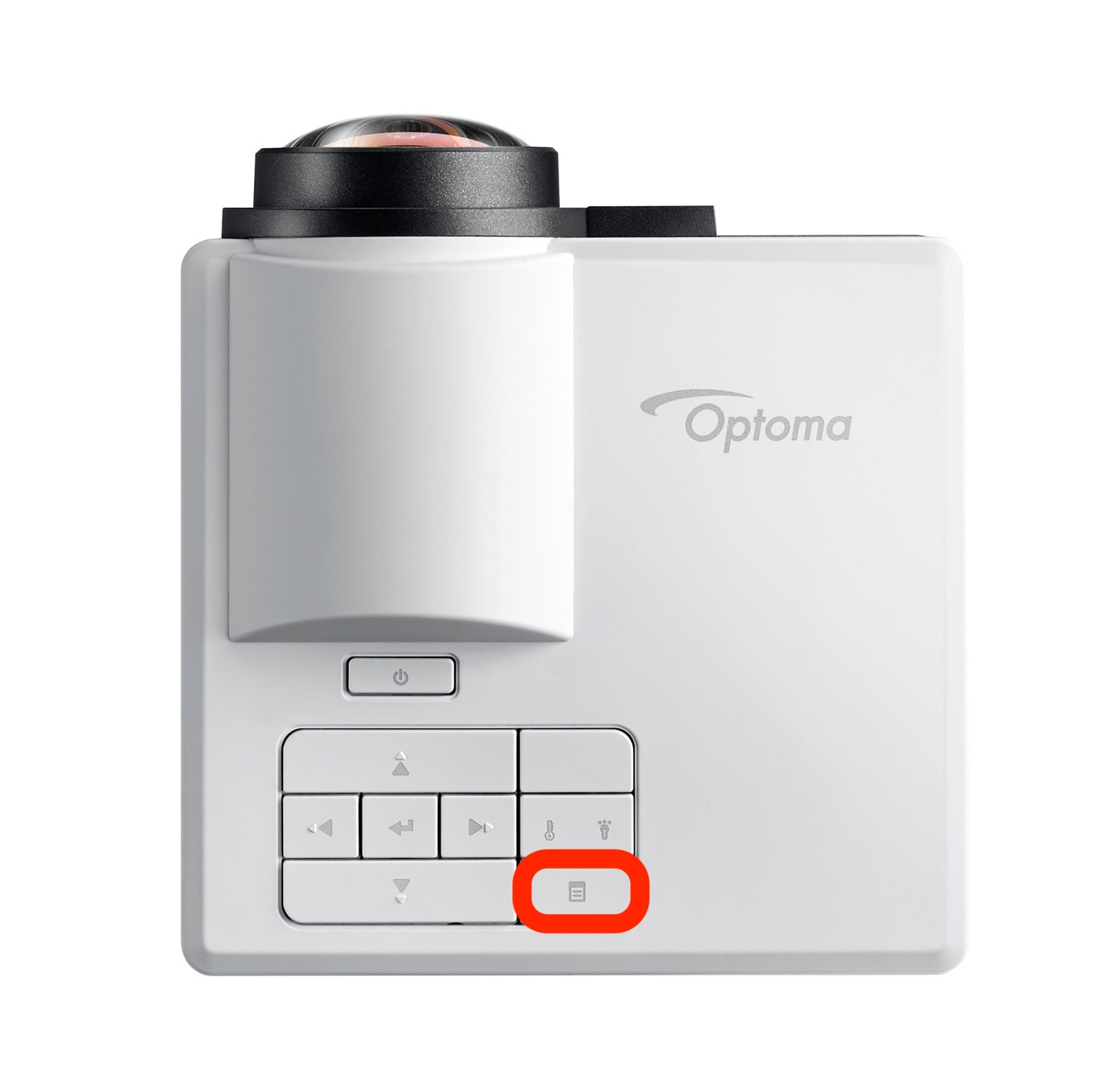
2) To adjust focus, press the menu button once
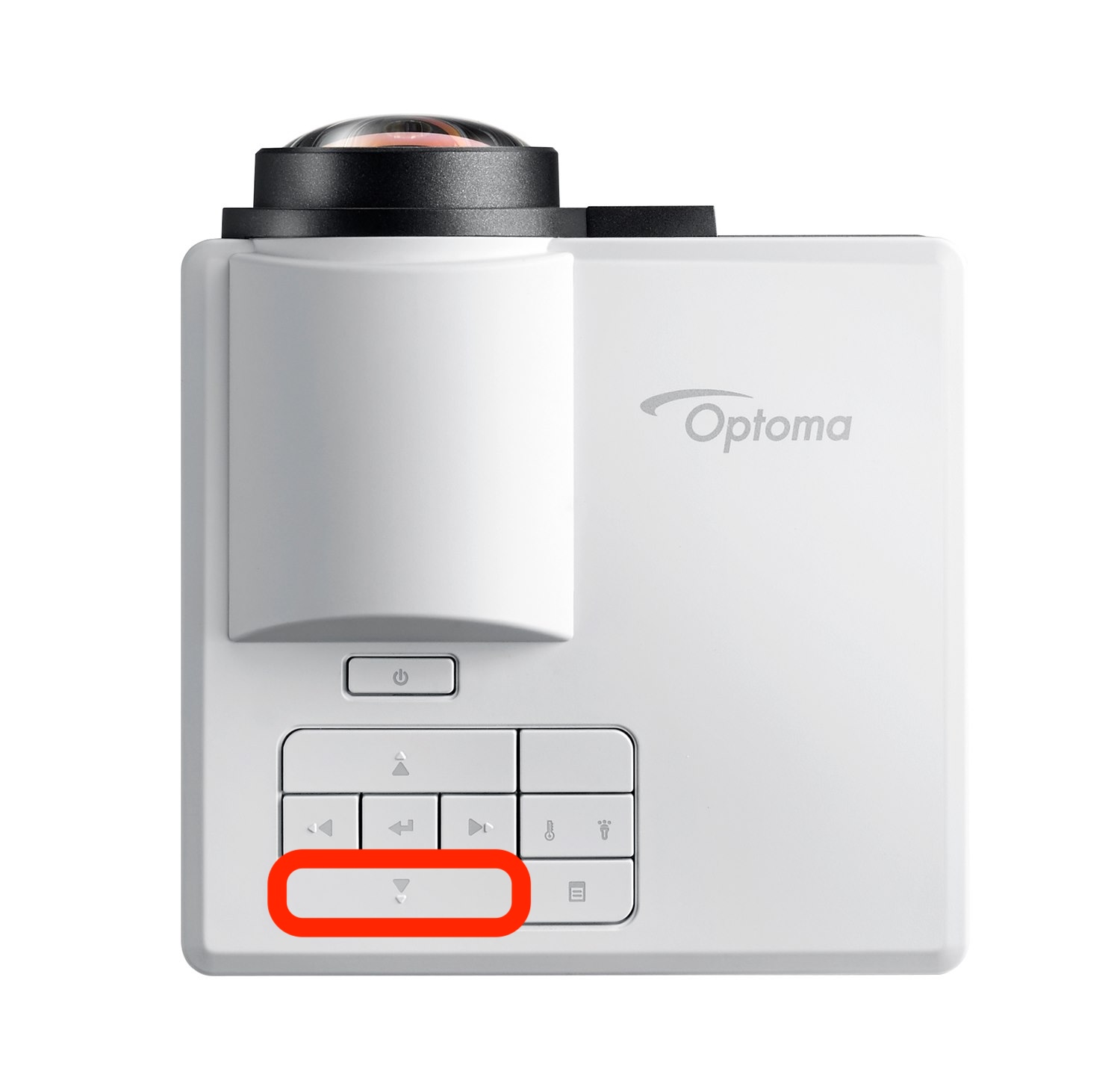
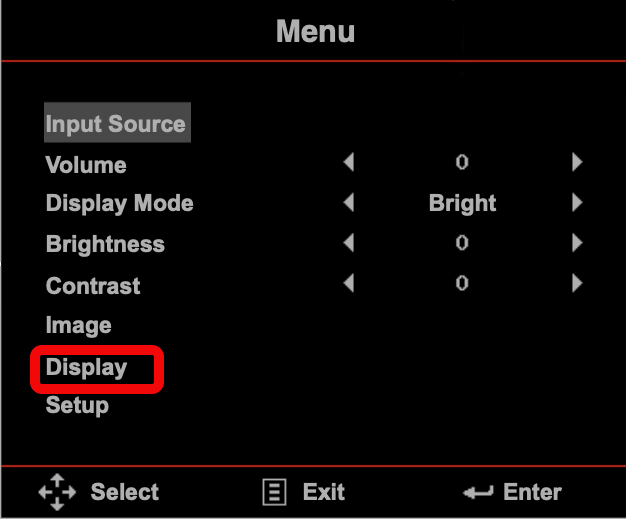
3) navigate to DISPLAY in the menu
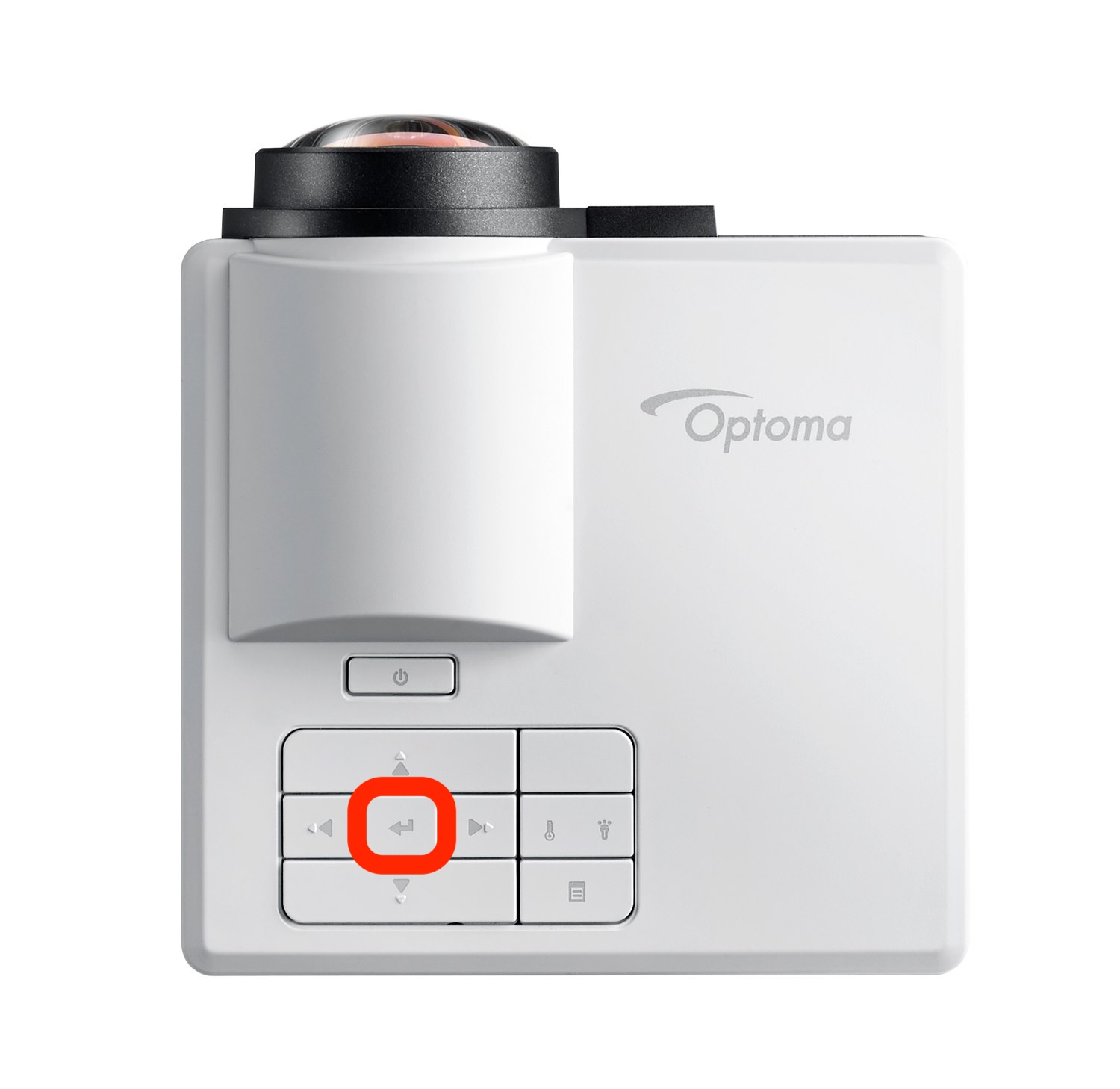
4) switch autofocus to OFF
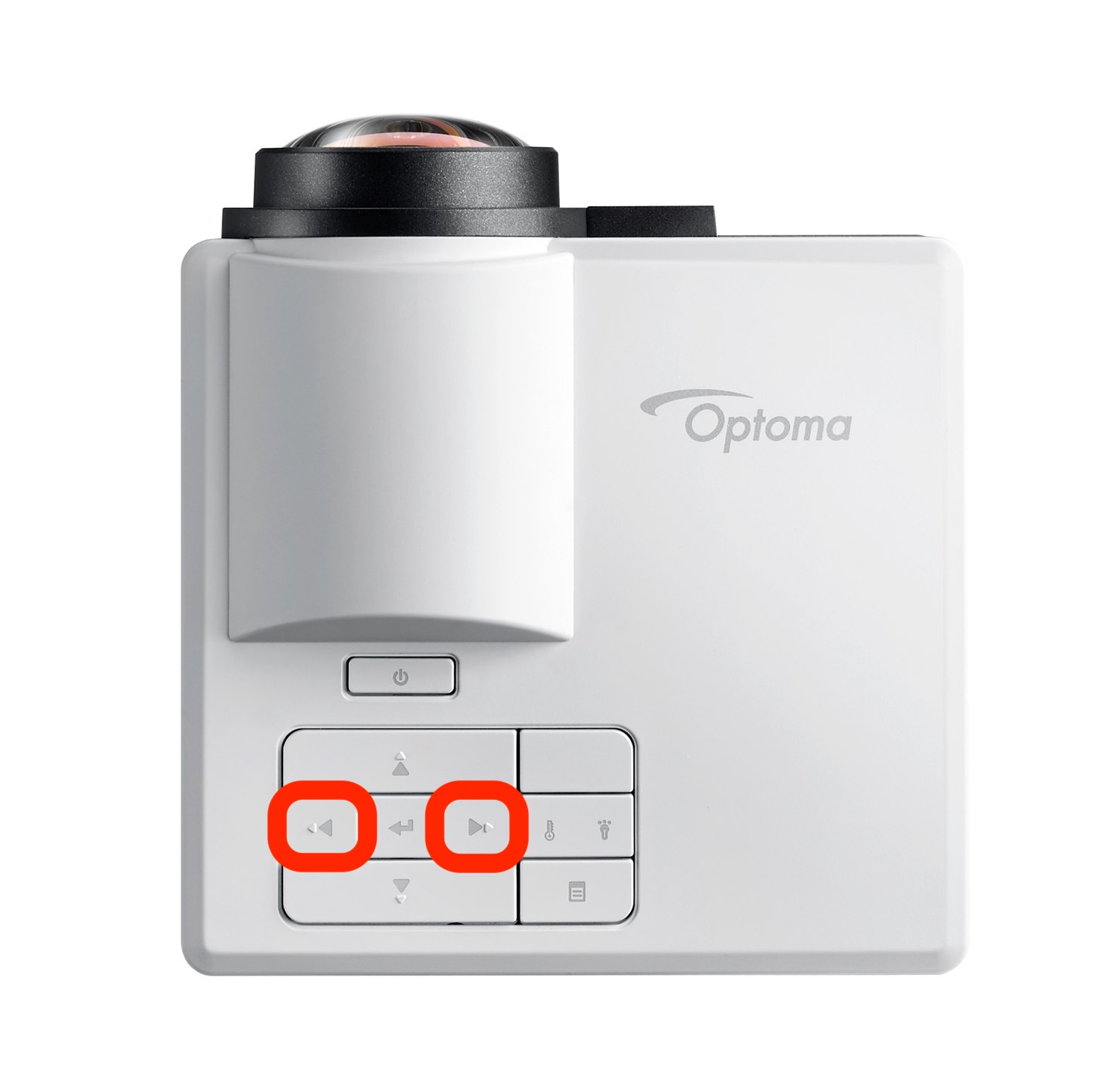
long press the buttons on the control panel to perform the coarse focus adjustment first, and then short press the buttons to fine-tune your focus.
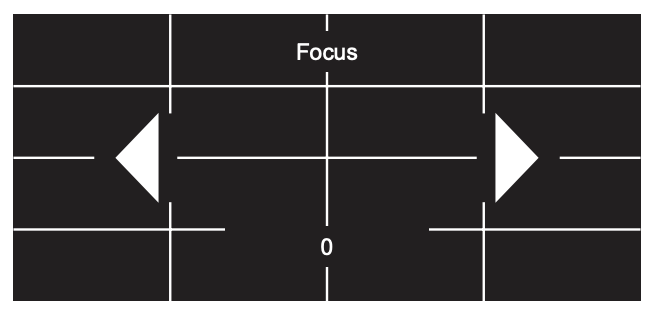
NB focus can also be adjusted with the remote if it is included.