
Installation instruction Isadora 4 USB Key Version with USB key license
To be able to save your work in Isadora, the HKU lending and the Blackboxes have USB keys. Below is an instruction:
Download the “Isadora 4 USB key Version” for Windows or MacOS at
1. https://troikatronix.com/get-it/ under the Downloads heading.
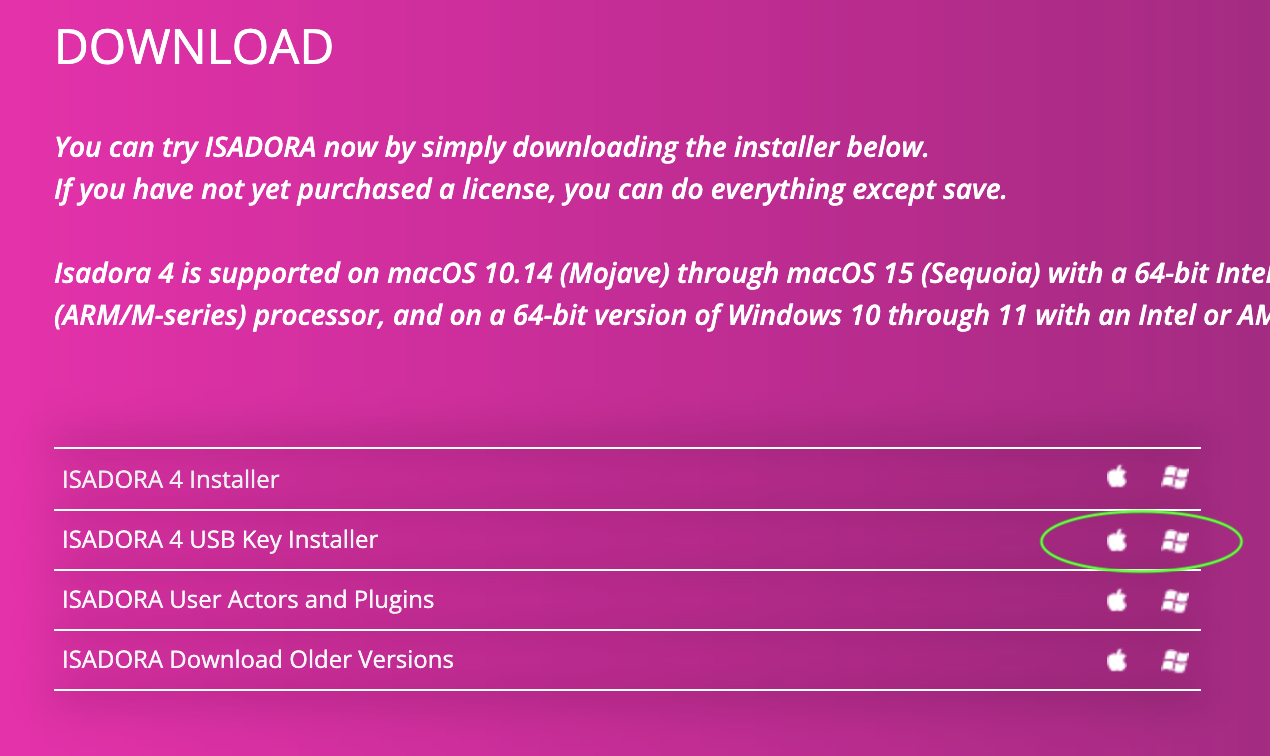
2. Under the heading “Related Downloads” click on “USB key Version” for Windows or MacOS. Another page appears.
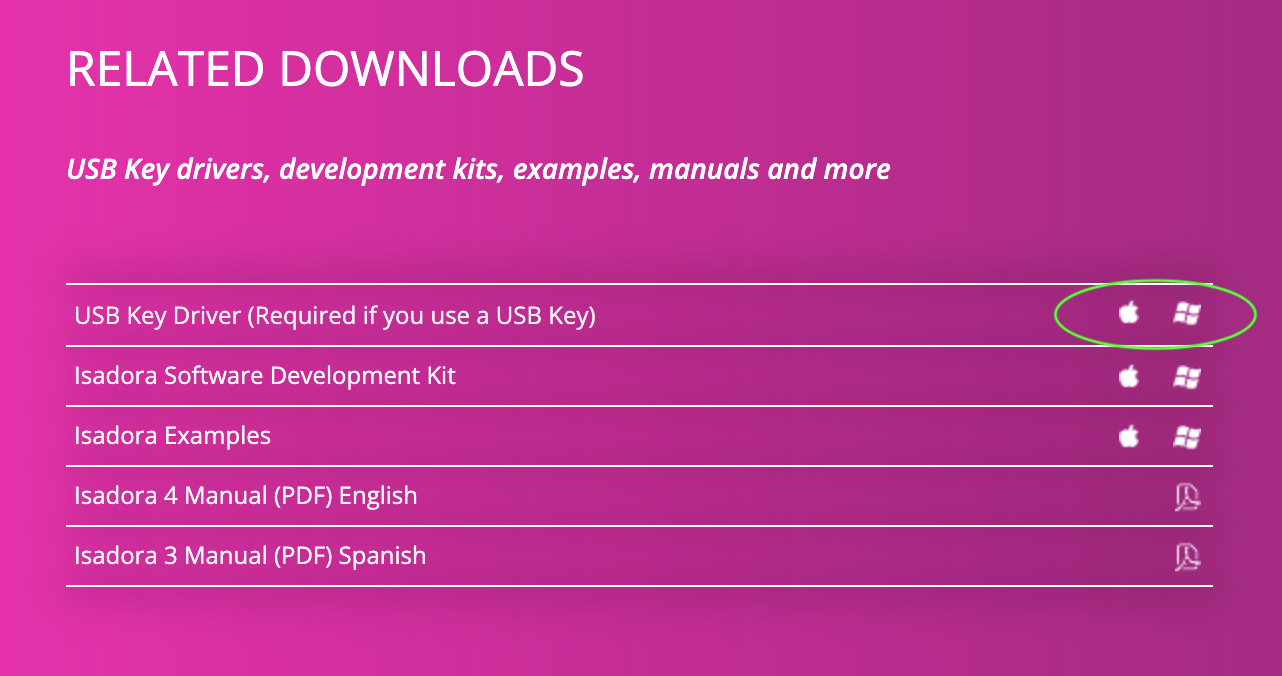
3. Scroll to the bottom of the page and click on the correct USB key driver download link for your platform (Windows or MacOS). You will be redirected to the THALES website.
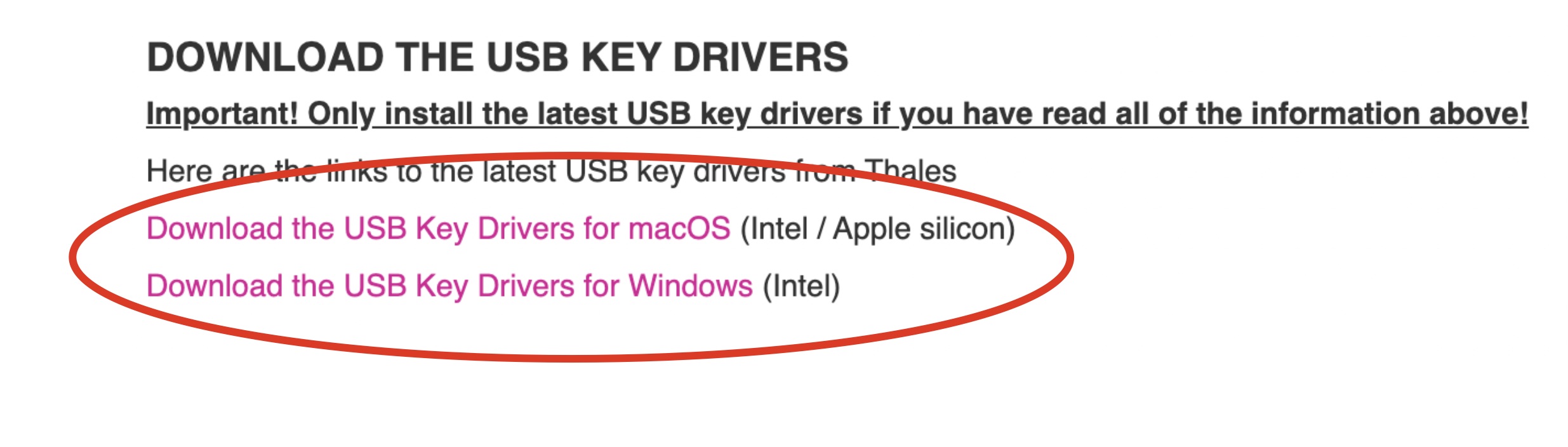
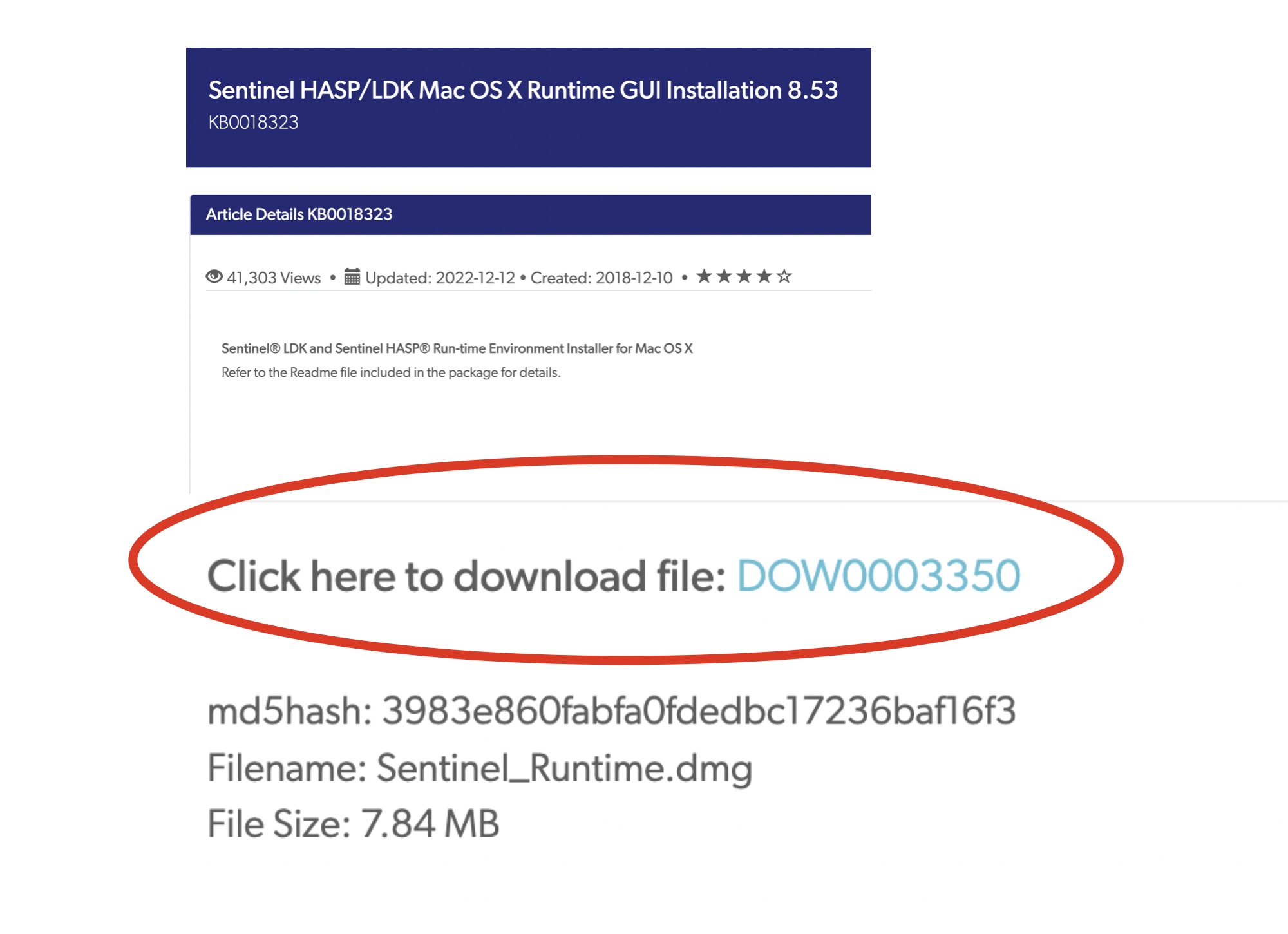
4. Click on the “Sentinel® LDK and Sentinel HASP® Run-time Environment Installer GUI” download link.
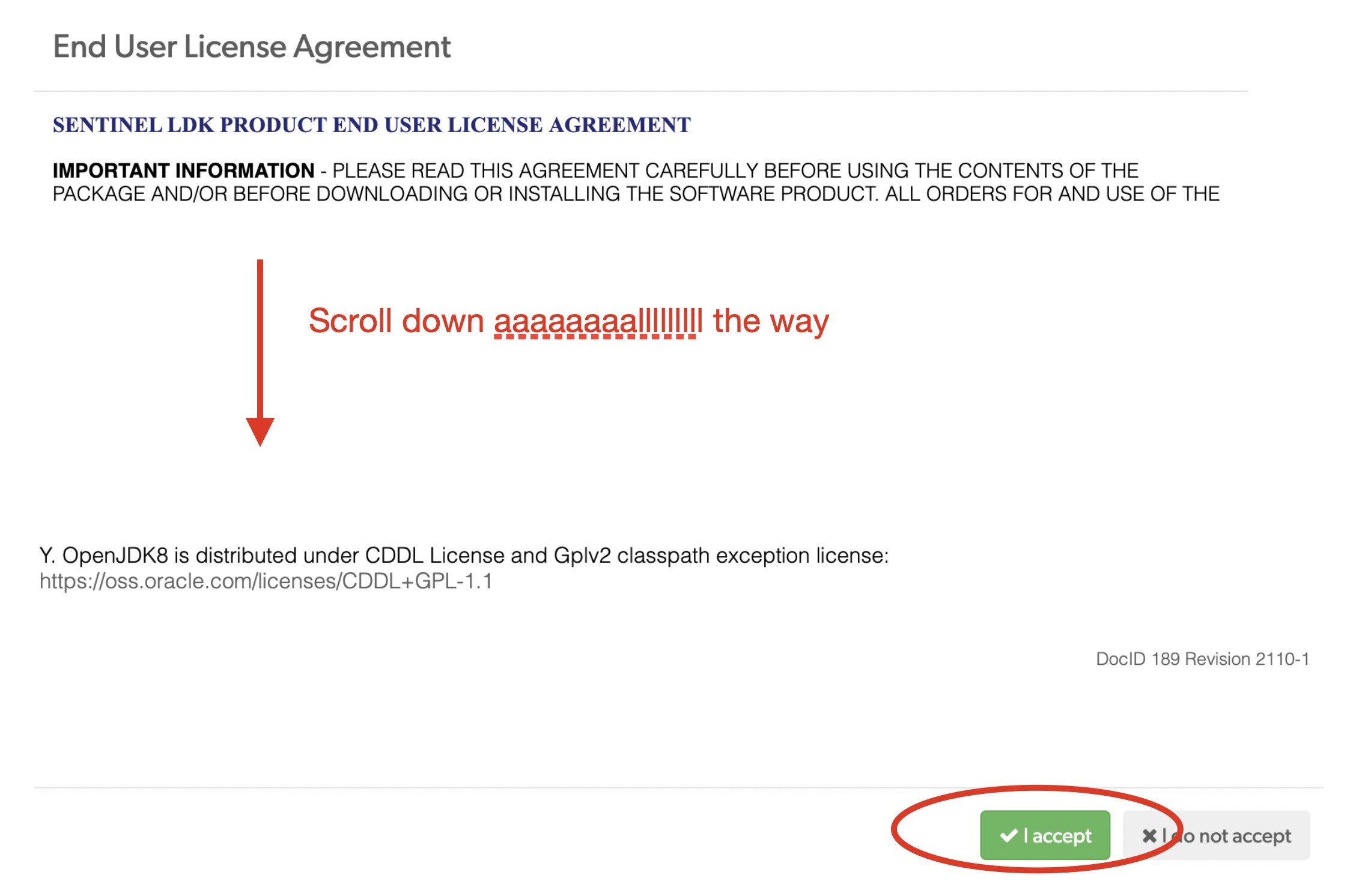
5. A pop-up screen appears with the “End User License Agreement”. Scroll down and click “I accept”
6. Install the Sentinel USB key for Windows or MacOS.
7. Install “Isadora 4 USB Key Version."
8. Insert the physical Isadora USB Key into the USB port and boot up Isadora (you can do this at a later time if you do not currently have access to a USB Key).
9. If it's your first time booting up Isadora, you may have to give Isadora some permissions, like acces to microphone and webcam. Click accept on these prompts (if you wish to use these as a sensor for example).
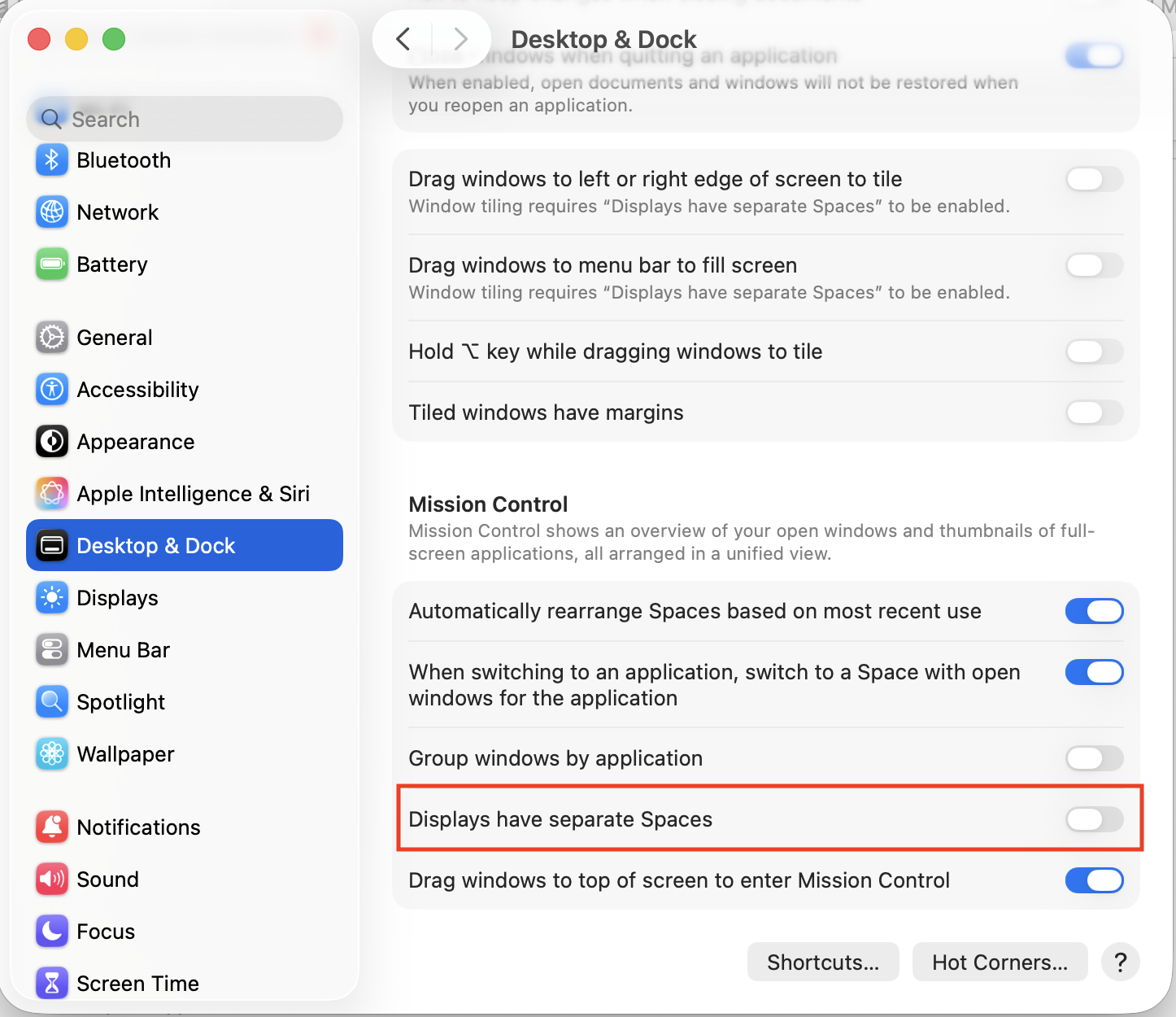
If you wish to work with projection mapping, it is important to turn off 'Displays have separate spaces'. For Mac, you can find it under System settings -> Desktop & Dock -> Displays have separate spaces (scroll all the way down). Turn it off.
You may have to restart your computer to let these changes go into effect
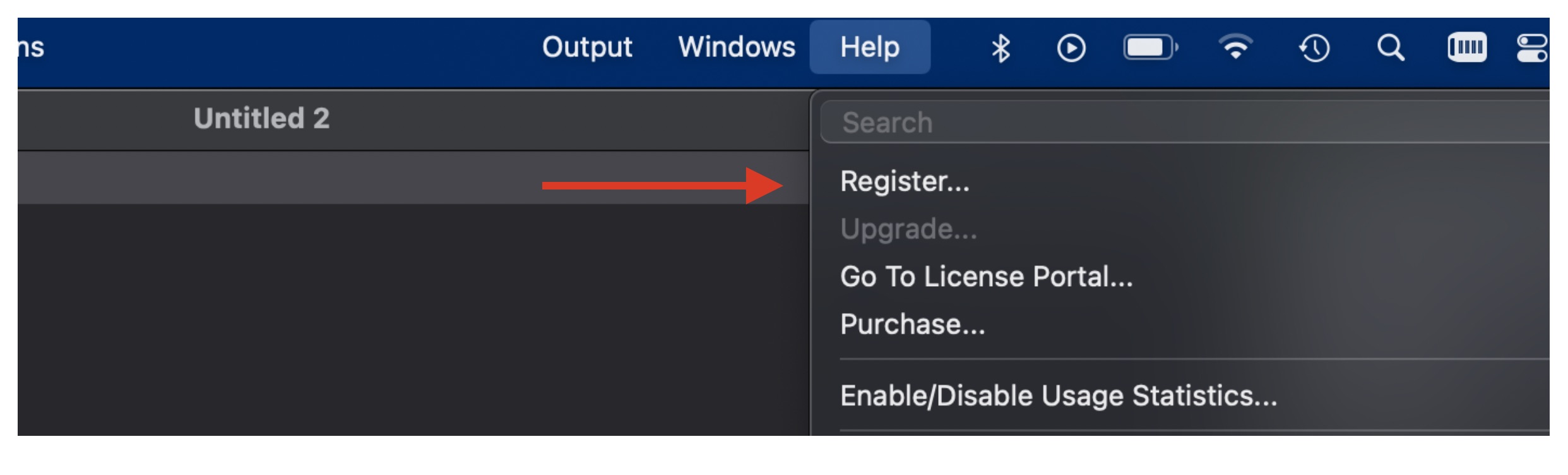
9. In the Isadora menu bar, go to Help -> Register
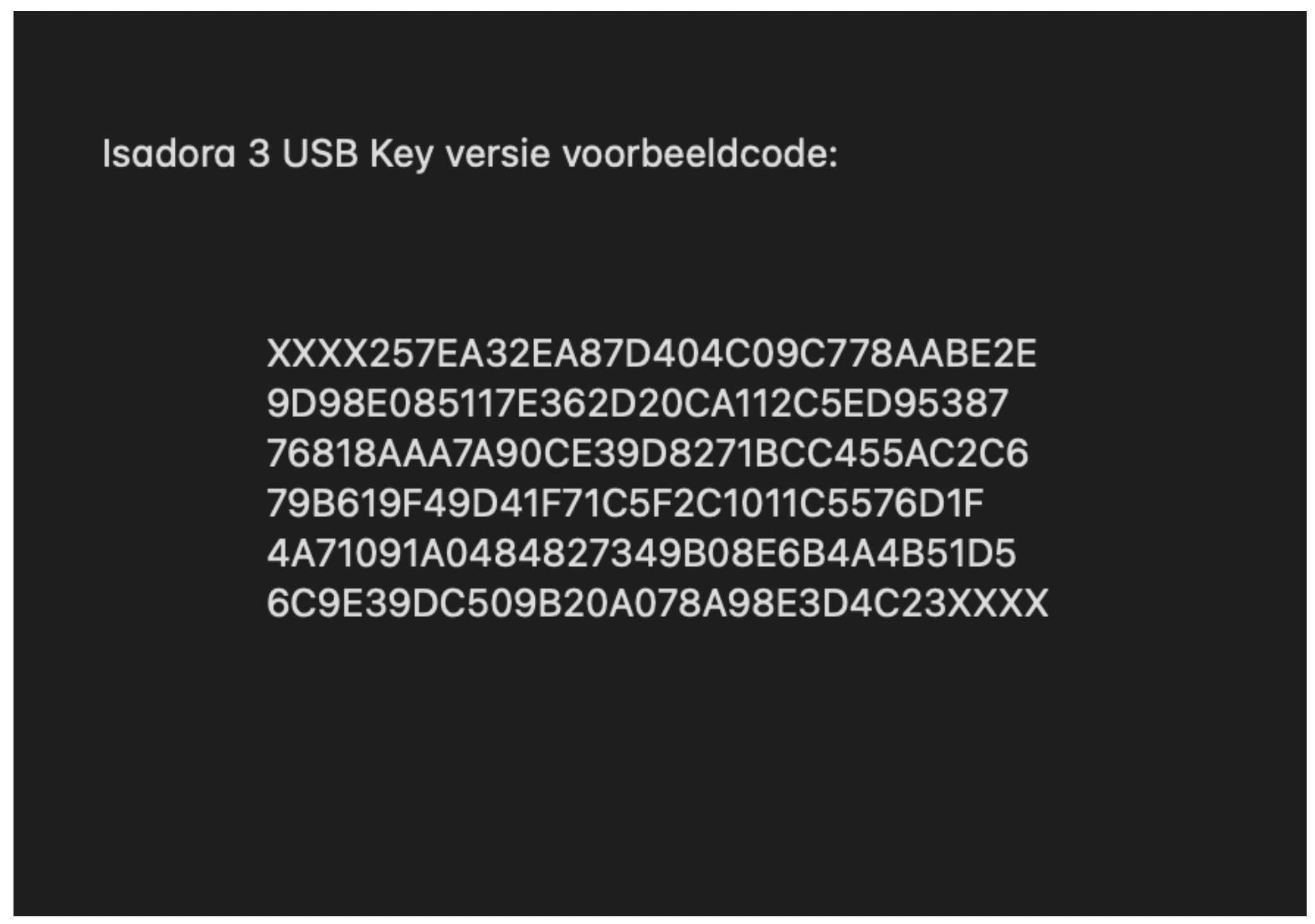
10. Copy the code that you receive from a teacher or workshop employee or can find in the lending environment and paste it in the empty registration field.
11. You can now save Isadora patches with the USB key. Have fun!
Note!: If you use a USB (C) adapter, make sure that it stays in place properly. Connection to isadora and the dongle will be disconnected if the adapter moves or becomes loose. Then you cannot save your patch. So save your work regularly.
Note2: if you are on an ARM Mac, running plugins like for the Kinect, Isadora may flash a popup that you need to run Isadora