
Remote control of Lights through TouchOSC
TouchOSC is a modular control surface toolkit for designing and constructing custom controllers that can be used on a multitude of operating systems and devices. An easy way of designing your own OSC controls. Use the old version of TouchOSC Editor or new version to design custom sliders, faders and buttons, control other software through OSC using the app TouchOSC
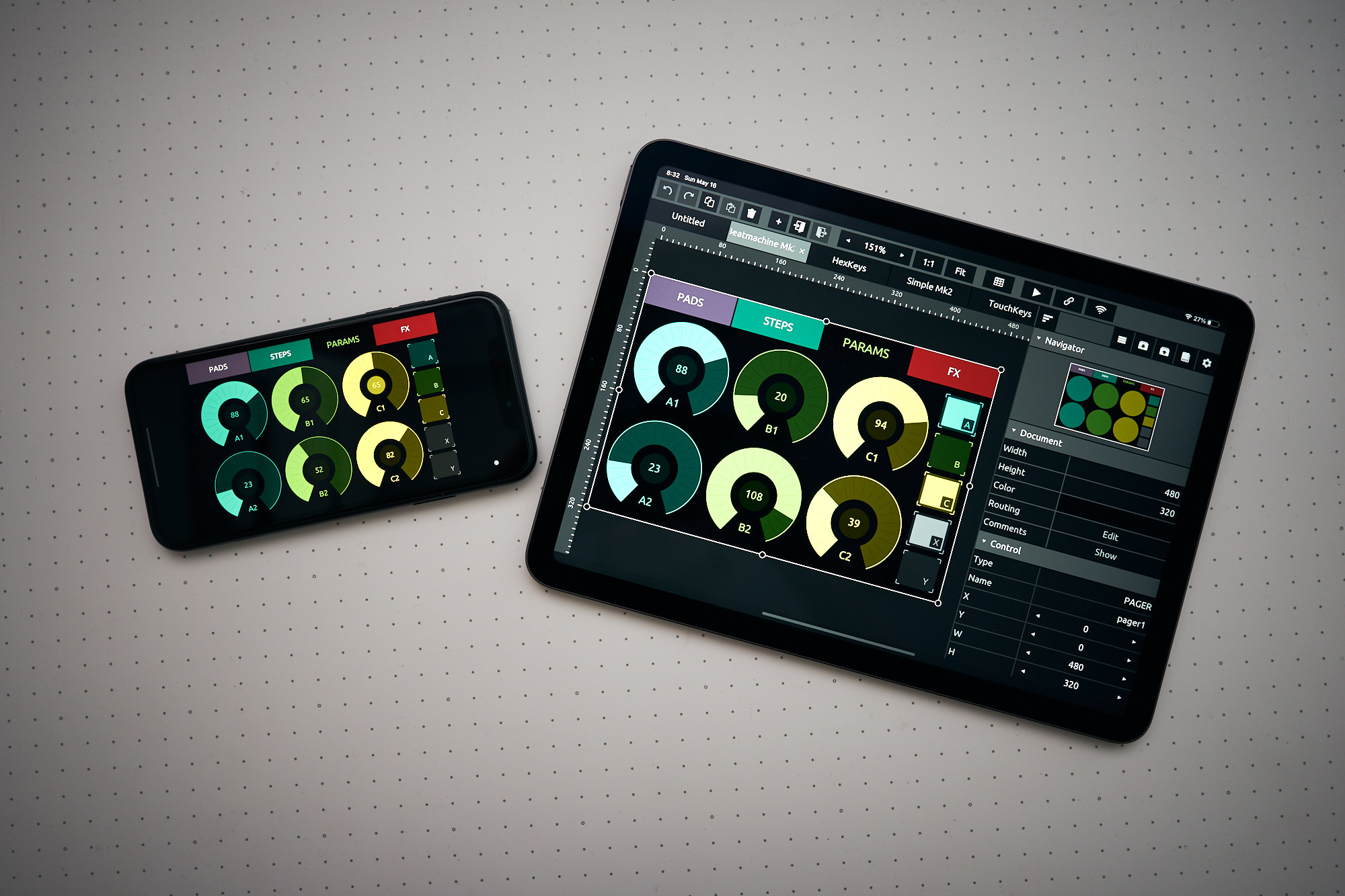
How to use the templates:
Download and install the TouchOSC App on your tablet or smartphone
Download and install the TouchOSC desktop editor on your computer
Start the desktop editor and load a template
Check to make both devices on the same WiFi NetworkIn the App go to LAYOUT & tap ADD. Select your host (computer name running the desktop editor) Click on “sync” and the template will be sent to your tablet or smartphone.
The template will now appear on your tablet or smartphone list of templates
TouchOSC & Touchdesigner:
Controlling LightPars&Spots.touchosc
Open this patch in Touchdesigner, check OSC port & ArtNet connection.RemoteControlLights (TouchOSC_ArtNet).toe
After connecting, slide all the faders once to refresh the connection with Touchdesigner & remove errors.* these patches were designed for the fixtures in the Blackbox @Janskerkhof (8 pars & 3 spots) but can easily be adapted.
TouchOSC & QLC