Lights in Touchdesigner
You can control your fixtures straight from Touchdesigner, using an Enttec or over ArtNet
Controlling Lights from Touchdesigner
In Touchdesigner DMX data is sent to the daisy-chain of fixtures through USB (via an ENTTEC available at the uitleen) or ArtNet.
Sometimes, the DMX Out in TD won't work. Solution: adding dummy channels to the universe, so all 512 get 'a signal'
This tox should work. Choose Serial/Artnet (then also set artnet adres, preset = Blackbox JK)
In Touchdesigner you can create 'presets' called Toxes. You can save these on your computer for easy acces:
| DMX Config | TOX | Example fixtures |
|
5 channels: Intensity |
ETC_Colorsource_Par.tox ETC_Colorsource_Junior_6ch.tox
|
ETC ColorSource Spot jr (inventory Blackboxes & klein Zaal)
ETC ColorSource Par (inventory Blackboxes)
ColorSource Spot Deep Blue (inventory Kleine Zaal) 
|
| 6 channels: Red Green Blue White Amber Uv |
|
High End PAR uitleen Theater : >>
Mid Range PAR uitleen Theater |
|
6 channels: Red Green Blue |
Eurolite Basic PAR uitleen theater manual & dmx traits : Eurolite
|
|
| 7 channels: Red Green Blue White Amber Uv Master Dimmer |
7CH_Par_RGBWAUI.tox |
High End PAR uitleen Theater :
Mid Range PAR uitleen Theater >> |
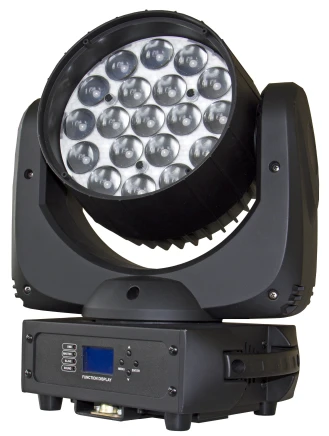
| 14 channels (see Briteq manual) |
Moving_Head_Briteq_BT_W19L10ZOOM_14ch.tox
|
Briteq BT-W19L10 Zoom (uitleen Oudenoord) |
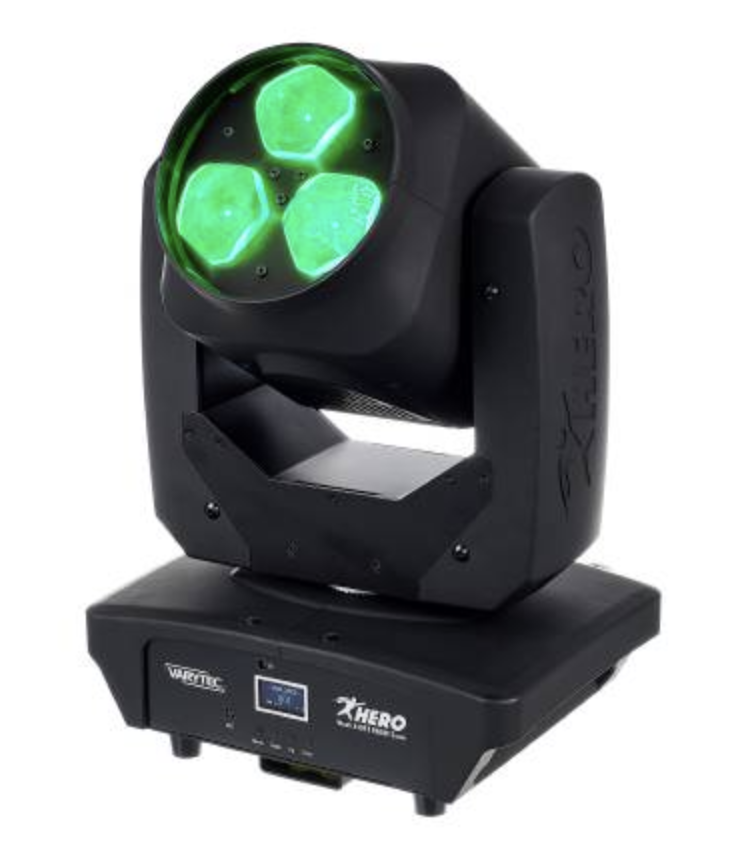
| 16 channels |
MH_Varytec_340FX_16ch.tox |
https://www.manualslib.com/manual/2561032/Varytec-Hero-Wash-340fx-Rgbw-Zoom.html |
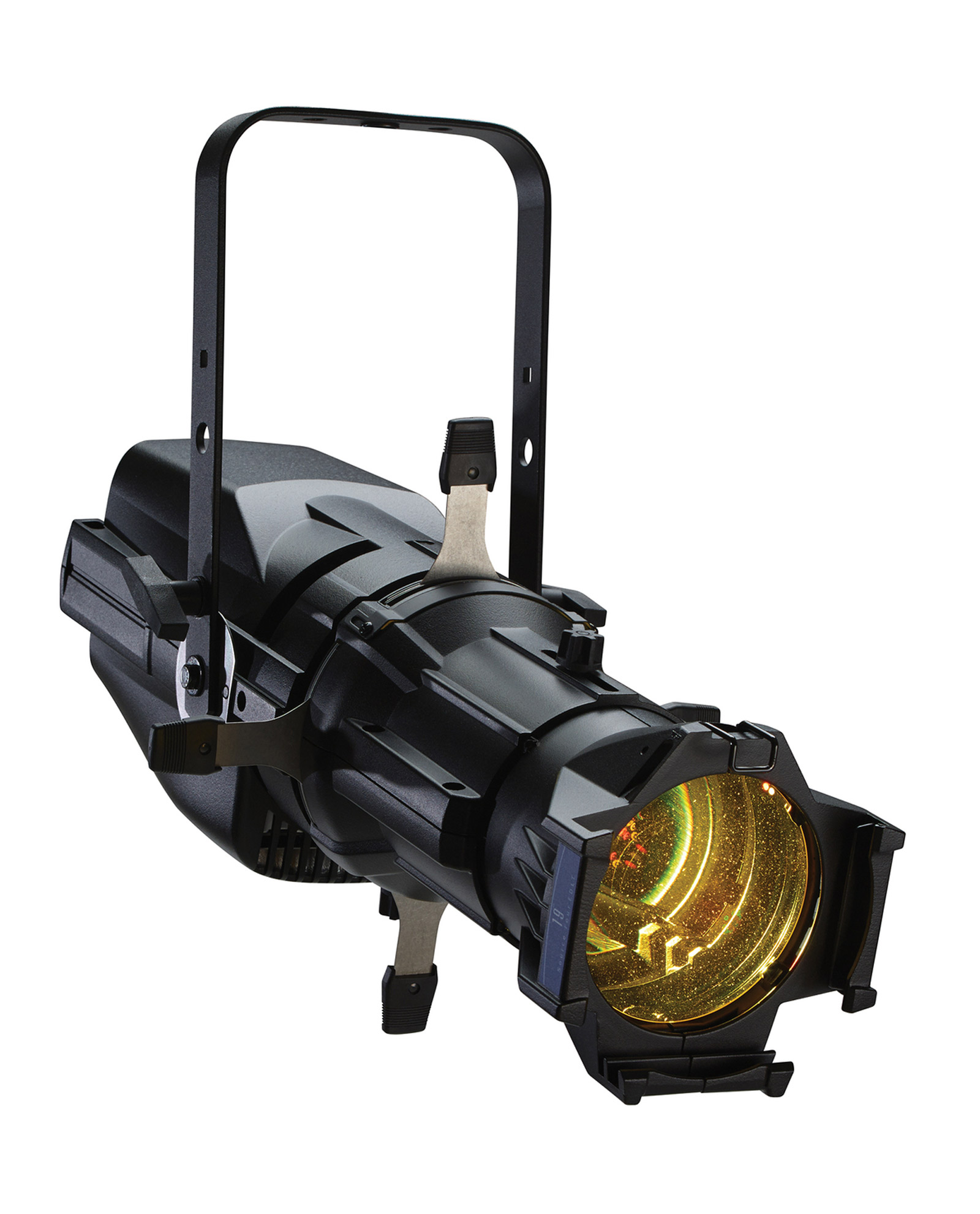
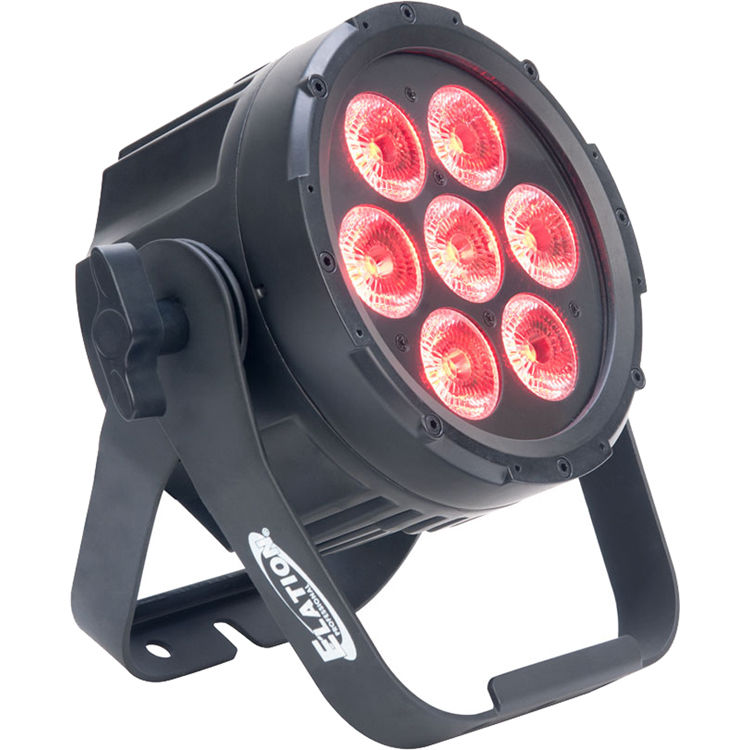
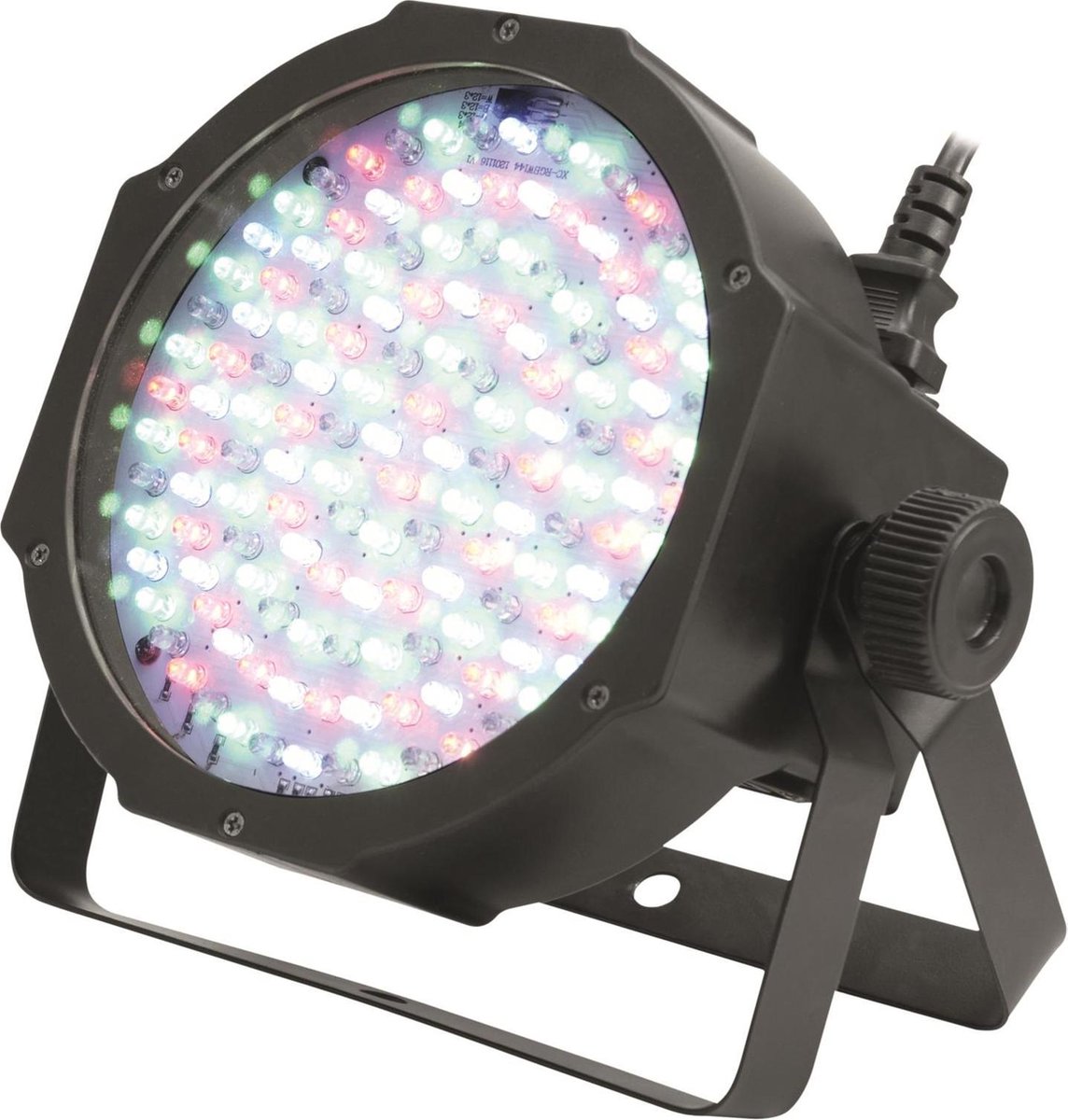

 .
. 
Example patch how to use tox files:
Easy DMX_Out for Artnet (use a merge to connect multiple fixtures, dive in & adjust de DMX out to use another interface)
dmx_out_Artnet.tox
Patch for the Blackbox @ Janskerkhof (to connect with OSC via ipad)
Check out the WLED page to connect TD to LEDstrips
Controlling Ledstrips with WLED (from Touchdesigner)

WLED is one of the most popular packages for controlling LED
strips with, or example, the WS2812B through cable & wifi.
The software also supports some other types, such as the WS2811 and WS2815, both on 12 volts. The first step is to flash the software on, for example, an ESP32.
The ULTIMATE WLED Beginners Guide!
Resources
website: https://kno.wled.ge/
community: https://wled.discourse.group/
A tool to stream video to WLED matrix displays: https://github.com/fieldOfView/WLED-video :
A Python application to stream videos, images, and animations directly to your WLED-powered LED video wall: https://github.com/BradyMeighan/WLED-Studio :
WLED & Touchdesigner:
Another instruction for connecting a WLED controller and TouchDesigner
The following instruction below wil walk you through the steps to connect TouchDesigner with a WLED LEDstrip controller.
WLED installation: https://wled-install.github.io/
For the tinytronics Universal Digital LEDstrip Controller V1.1:
Board type / software version:
ESP32-S3 (4MB Flash, with Audio reactive Usermod)
(Connect the controller to USB-C while holding down the 'Boot' button. Otherwise, it won't enter update mode and the WLED installation won't be able to upload.)
After installation, manually use the RST button to reset.
WLED-AP (AP = Access Point) will appear under Wi-Fi networks. The default password is wled1234.
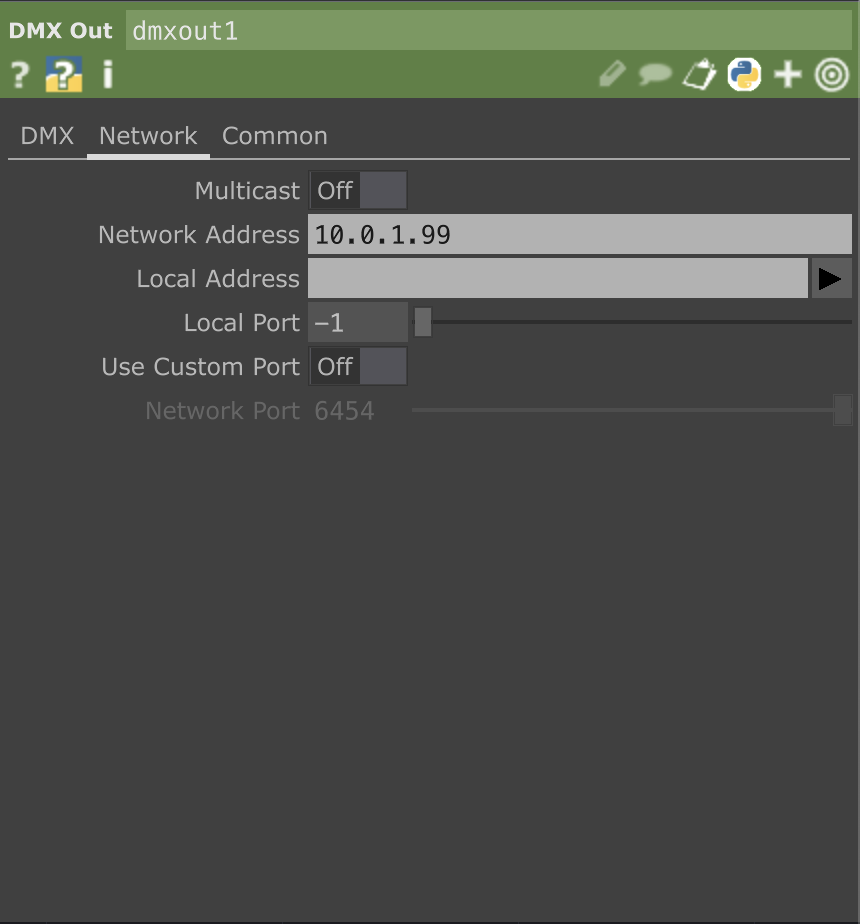
The WLED console will open automatically. You can change the settings here to your local AP. (for example the workshop is in the 10.0.1.xx range, so it's useful to set a fixed IP to, for example, 10.0.1.99.)
Continuing to use the dedicated AP mode directly also works, of course.
TouchDesigner, DMX Out CHOP Interface on sACN, in the network tab Multicast Off and set the IP address of the WLED controller.
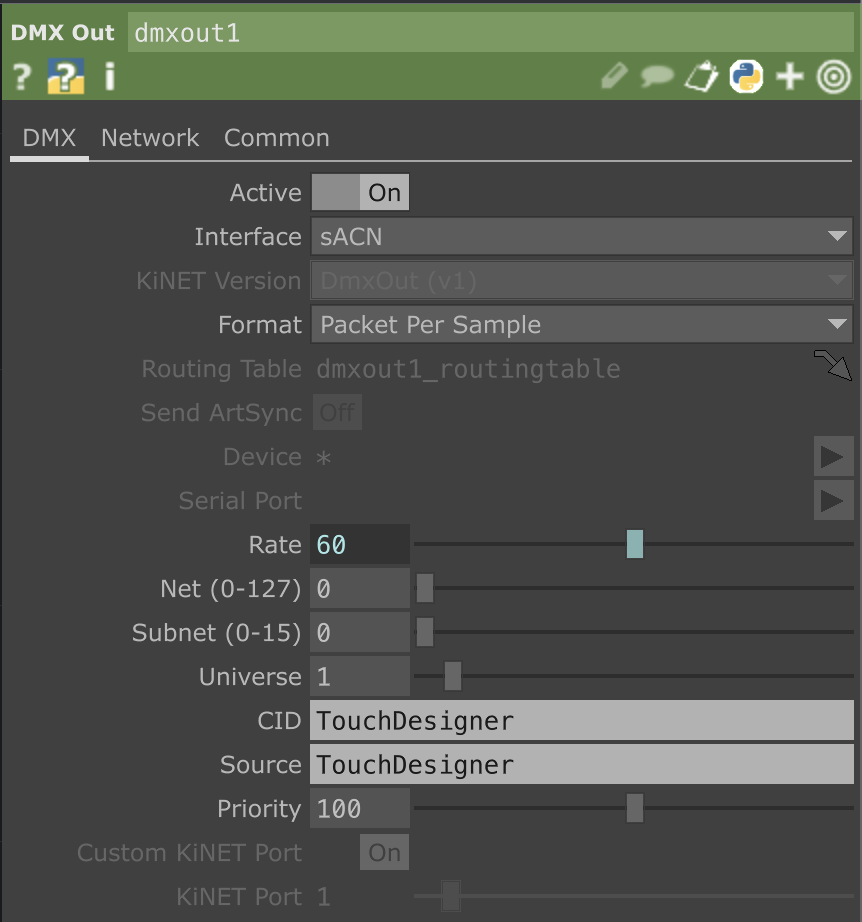
Here's a preset for Touchdesigner WLED.tox