you can find all kinds of tutorials about how to work with Resolume via their website [https://resolume.com/training](https://resolume.com/training) or check in your local Blackbox to get started.
##### Resolume Alley Resolume Alley is a super quick lightweight video player and video converter. It plays all your media files and converts your video files to footage specifically for Resolume. Drag and drop your footage from Finder or Explorer to convert videos and image sequences from any codec to DXV, ProRes or Motion JPEG in just a few clicks.**Why change a codec? what is it for?** For example, H.264 (mostly used in a .mp4 video) is a codec made to keep video files small. That makes it great for uploading, sharing, streaming, and playing back on lots of everyday devices. It is efficient, but that efficiency is mainly about saving space, and definitely not about making live performance software work as smoothly as possible. Resolume supports common codecs like H.264, but for the best performance it recommends DXV instead. DXV compressed files are often much larger because the priority is not compression, but speed, responsiveness, and stability during live mixing. That matters in Resolume because you may be triggering clips (or even specific frames) instantly, stacking multiple videos, applying effects, jumping around in a clip, playing it backwards or working with transparency. DXV also supports alpha channels, which is useful when parts of a video need to stay transparent. a alternative encoder to Alley, with more possibilities like HAP codec is [shutterencoder](https://www.shutterencoder.com/ "alternative to alley")
##### Resolume Wire Wire is a modular node-based patching environment to create effects, mixers and video generators for Arena & Avenue. So it's more of an extension of the other programmes but now you can make your own visual effects or clips, but using node-based blocks and connect them together. Wire is included in Arena and Avenue installers. *(HKU students: it needs a separate license, wo do not provide)* [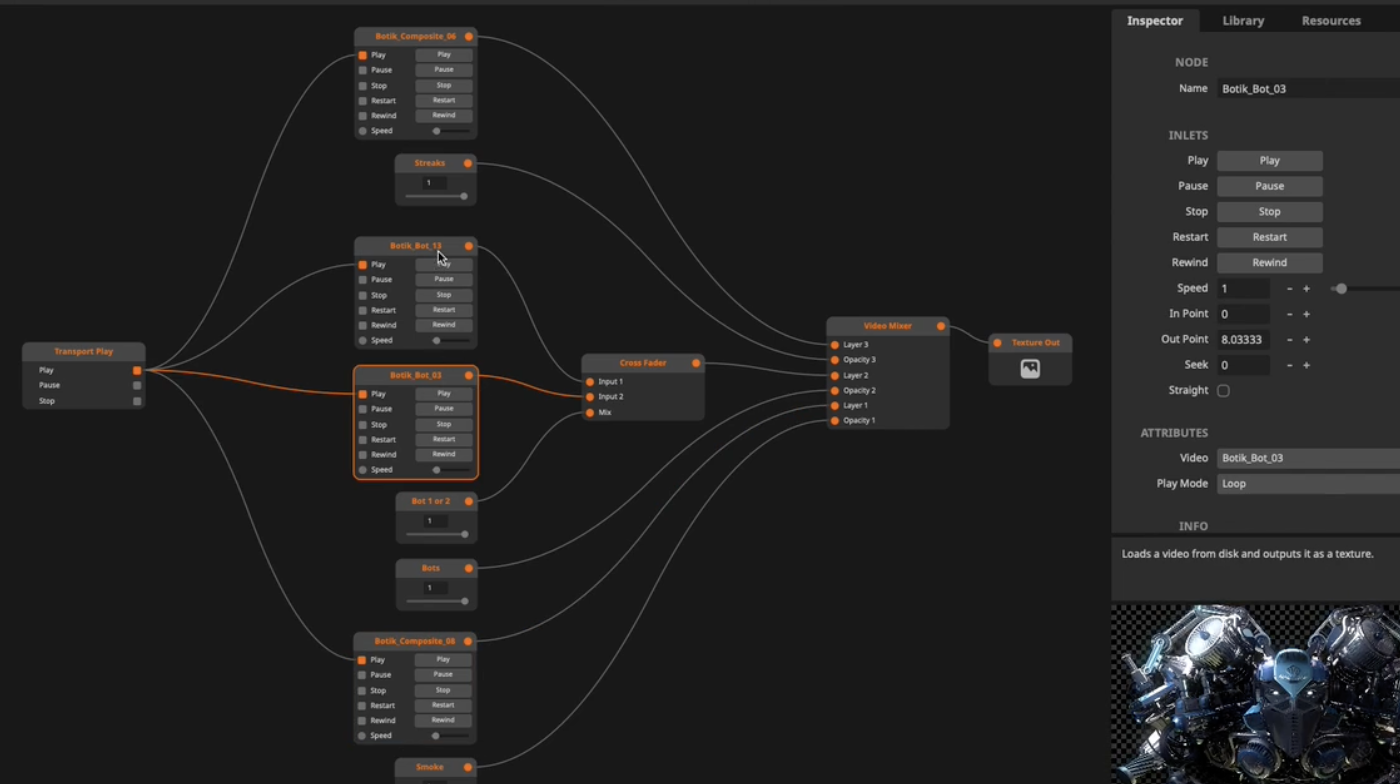](https://bookstack.hku.nl/uploads/images/gallery/2023-09/screenshot-2023-09-13-at-10-29-41.png) # DMX lights and Resolume using Artnet We're going to look at options on how to control LED fixtures, Dimmers and possibly also LED pixel panels from Resolume using the Showtec NET-2/3 DMX ethernet Node # Creating and controlling DMX fixtures from Resolume using ArtNetBookstack under construction!
### ArtNet Devices supported by Resolume **Resolume Arena 6 and up do not support** **Enttec DMX USB devices!** If you'd like to use an Enttec DMX USB device, your only option is to stick with Arena 5. Or to use a different USB to DMX device. At the HKU Blackboxes, we use a [**Showtec NET 2/5 ,**](https://www.highlite.com/en/50807-net-2-3-pocket.html) Showtec NET 2/3 or [ELC dmxLAN buddy](https://www.elclighting.com/products/dmxlan-buddy/) as output device for sending DMX information from the PC to the lights. What is convenient about this setup vs using Enttec DMX USB (MKII and such), is that we can extend the Showtec NET 2/5 and ELC dmxLAN buddy by use of network cable, instead of USB cable. Example: if you want your lamps all the way at the far end of a large room, you can connect the PC and dongle via 30m network cable without signal loss, vs having to extend DMX cables/usb cables. ##### ##### Showtec Net2/5 [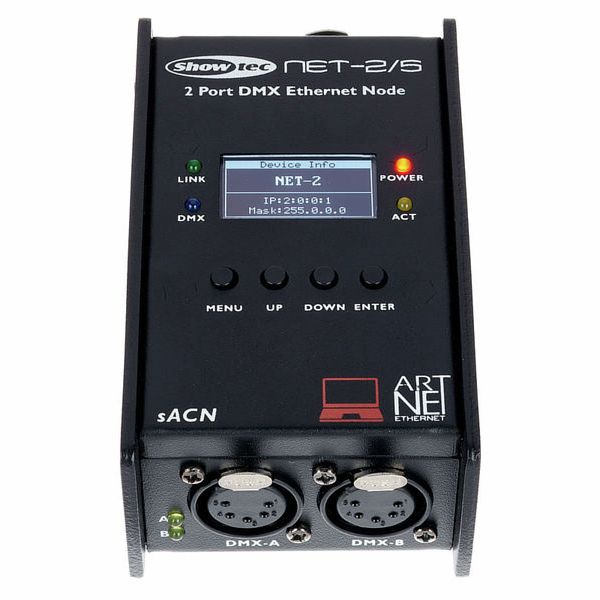](https://bookstack.hku.nl/uploads/images/gallery/2024-02/showtec-net-25.jpg) Manual about the NET 2/3 [https://www.huss-licht-ton.de/images/products\_download/Manual\_34954\_1.pdf](https://www.huss-licht-ton.de/images/products_download/Manual_34954_1.pdf) Manual about the NET 2/5 [https://www.highlite.com/en/mwdownloads/download/link/id/17428216](https://www.highlite.com/en/mwdownloads/download/link/id/17428216) ##### ##### ELC dmxLAN buddy [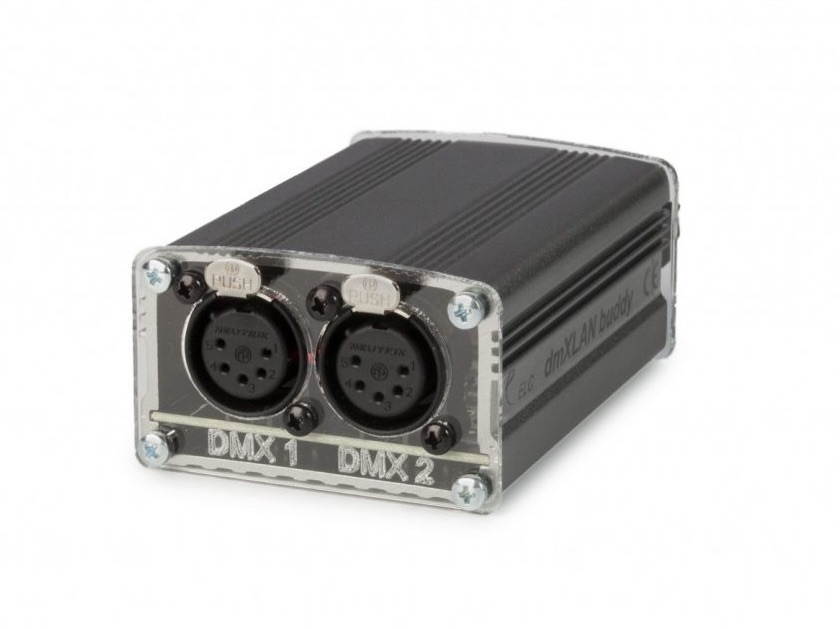](https://bookstack.hku.nl/uploads/images/gallery/2025-01/elc-buddy-dynamic-1800x1200.jpeg) How to set up the network range of your computer (watch between 0:24 and 0:54) [https://www.youtube.com/watch?v=7DKYnUdAKP8](https://www.youtube.com/watch?v=7DKYnUdAKP8) How to set up dmxLAN buddy [https://www.youtube.com/watch?v=s0ftQPZckE4&t=6s](https://www.youtube.com/watch?v=s0ftQPZckE4&t=6s) Manual about dmxLAN buddy [https://www.elclighting.com/wp-content/uploads/2022/09/Buddy-quickstart.pdf](https://www.elclighting.com/wp-content/uploads/2022/09/Buddy-quickstart.pdf) **Setting up the IP adres range and Subnet Mask of your LAN network and the dmxLAN buddy:** *Computer IP address and subnet mask:* [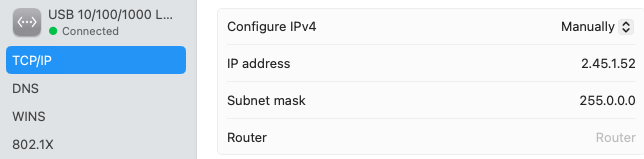](https://bookstack.hku.nl/uploads/images/gallery/2025-10/screenshot-2025-10-01-at-16-47-07.png) *dmxLAN buddy IP address and subnet mask:* [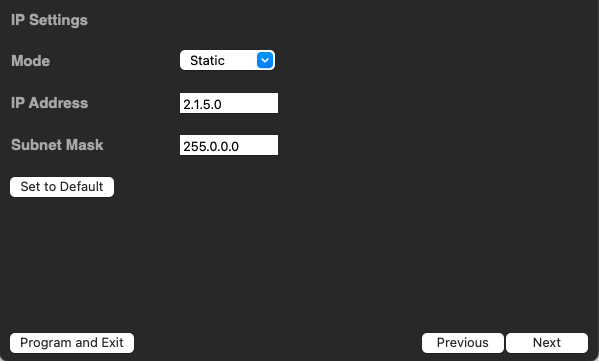](https://bookstack.hku.nl/uploads/images/gallery/2025-10/screenshot-2025-09-30-at-11-02-40.png) ### **Resolume Tutorial - Using DMX as Output** **For controlling lights using animations made with Resolume, straight from within the software** **[https://resolume.com/support/en/dmx](https://resolume.com/support/en/dmx)** **[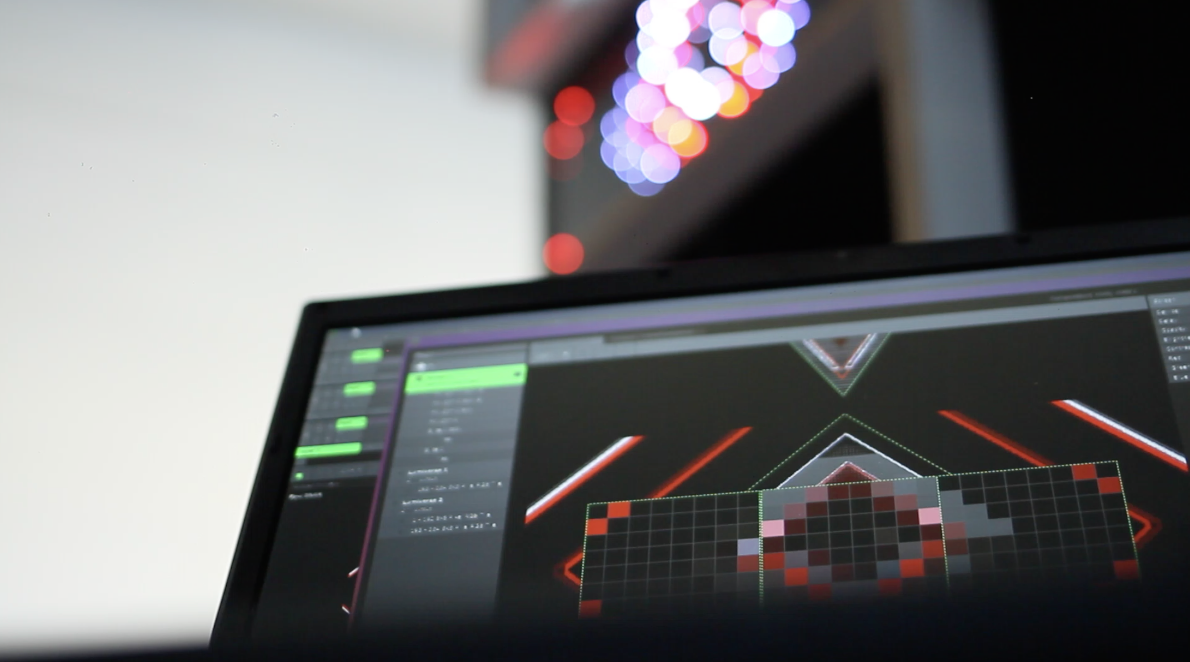](https://bookstack.hku.nl/uploads/images/gallery/2024-02/resolume-dmx.jpg)** Image credit: Resolume ### **Tutorial about Mapping Pixels with DMX** In this tutorial, Resolume is used to create and control various **DMX Light fixtures.** Every dmx light has its own specifications, pixel mapping possibilities and/or channel modes. Learn how to make your own light fixture layout for your personal lights in Resolume. Also how to decide what animations run over your fixture(s). **[https://www.youtube.com/watch?v=LKtKUMT4ZOs](https://www.youtube.com/watch?v=LKtKUMT4ZOs)** **[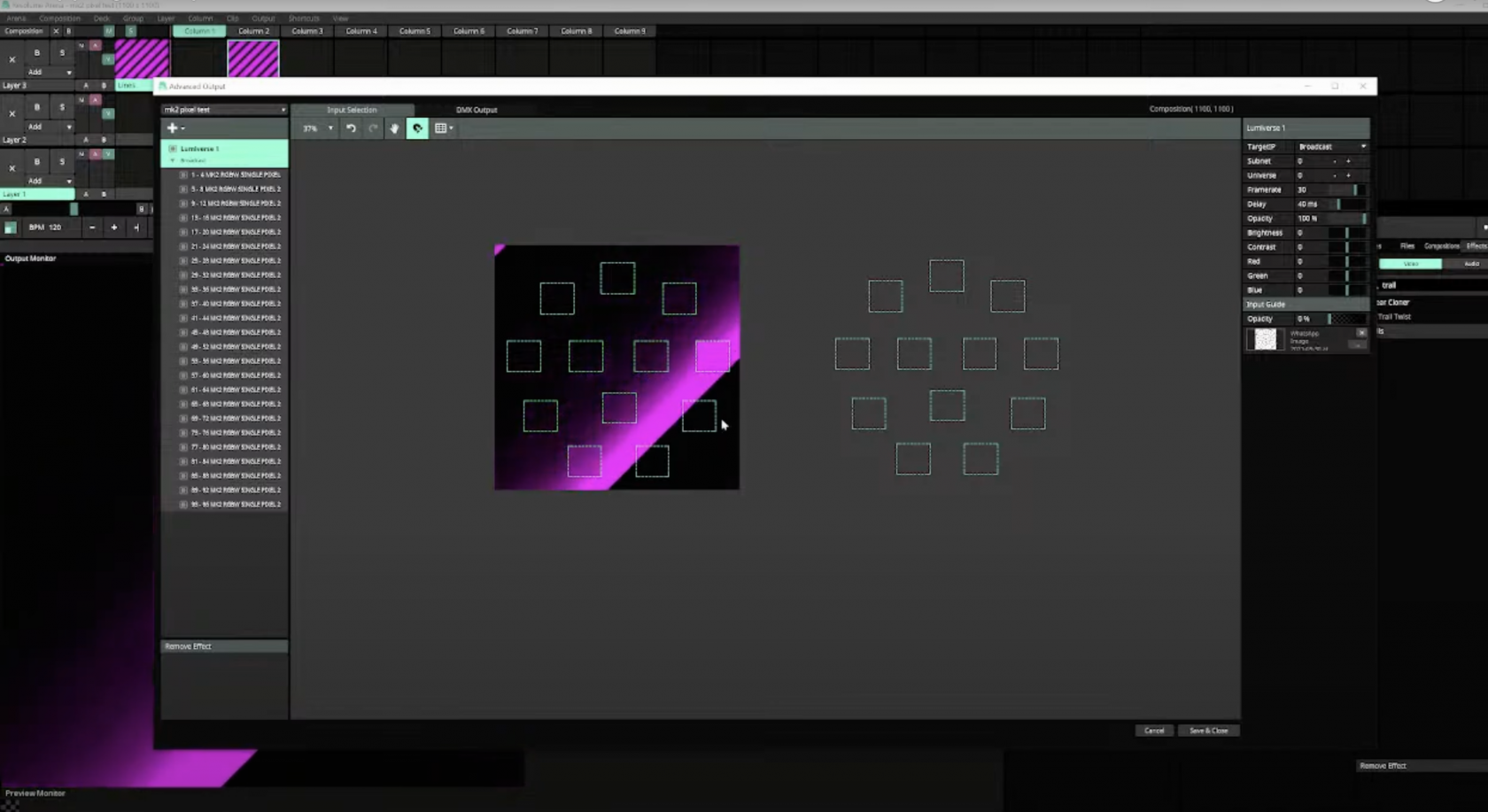](https://bookstack.hku.nl/uploads/images/gallery/2024-02/pixel-mapping-resolume-dmx.png)** screenshot from YouTube video.