# Software

How to control lights using the free software QLC+, Resolume or Data flow software etc

# QLC+

QLC+ is designed to streamline and simplify the process of controlling DMX or analog lighting systems.  
QLC+ is open source, compatiblte with most fixtures &amp; dmx hardware. Can be triggered with midi, audio &amp; osc. Runs on Windows, MacOS or Linux.  
Check out: [https://www.qlcplus.org/](https://www.qlcplus.org/) for in depth info.

Download [QLC here](https://www.qlcplus.org/download)

Go for the stable 4.x.x version if you are practising to use this tool in the Blackbox @ HKU

Use this startup guide when working with a pre-programmed version of QLC (template), like installed in the Blackboxes. The added fixtures and virtual console will be different in every Blackbox, depending on the facilities.

[![image.png](https://bookstack.hku.nl/uploads/images/gallery/2025-02/scaled-1680-/h5pimage.png)](https://bookstack.hku.nl/uploads/images/gallery/2025-02/h5pimage.png)

To start working on a scene in QLC+ and make a que list, follow this guide:

[![Screenshot 2025-02-17 at 09.50.13.png](https://bookstack.hku.nl/uploads/images/gallery/2025-02/scaled-1680-/screenshot-2025-02-17-at-09-50-13.png)](https://bookstack.hku.nl/uploads/images/gallery/2025-02/screenshot-2025-02-17-at-09-50-13.png)

[![Screenshot 2025-02-17 at 09.50.01.png](https://bookstack.hku.nl/uploads/images/gallery/2025-02/scaled-1680-/screenshot-2025-02-17-at-09-50-01.png)](https://bookstack.hku.nl/uploads/images/gallery/2025-02/screenshot-2025-02-17-at-09-50-01.png)

# Touchdesigner

In Touchdesigner DMX data is sent to the daisy-chain of fixtures through USB (via an ENTTEC available at the uitleen) or ArtNet.

<iframe height="314" src="https://www.youtube.com/embed/byyrxDm8sVc" width="560"></iframe>

Sometimes, the DMX Out in TD won't work. Solution: adding dummy channels to the universe, so all 512 get 'a signal'   
[This tox](https://bookstack.hku.nl/attachments/132 "DMX OUT Serial/Artnet") should work. Choose Serial/Artnet (then also set artnet adres, preset = Blackbox JK)

In Touchdesigner you can create 'presets' called Toxes. You can save these on your computer for easy acces:

<table id="bkmrk-dmx-config-tox%C2%A0%C2%A0-exa" style="border-collapse: collapse; width: 100%; height: 340.063px;"><colgroup><col style="width: 16.556%;"></col><col style="width: 25.4517%;"></col><col style="width: 57.9459%;"></col></colgroup><tbody><tr style="height: 29.7969px;"><td style="height: 29.7969px;">**DMX Config**</td><td style="height: 29.7969px;">**TOX** </td><td style="height: 29.7969px;">**Example fixtures**</td></tr><tr><td style="height: 147.391px;">**5 channels:**

Intensity  
Red  
Green  
Blue  
Strobe  
  
**6 channels** Intensity  
Strobe  
Red  
Green  
Blue  
Lime

</td><td style="height: 147.391px;">[ETC\_Colorsource\_Par.tox](https://bookstack.hku.nl/attachments/77)  
[ETC\_Colorsource\_Junior\_6ch.tox](https://bookstack.hku.nl/attachments/71)

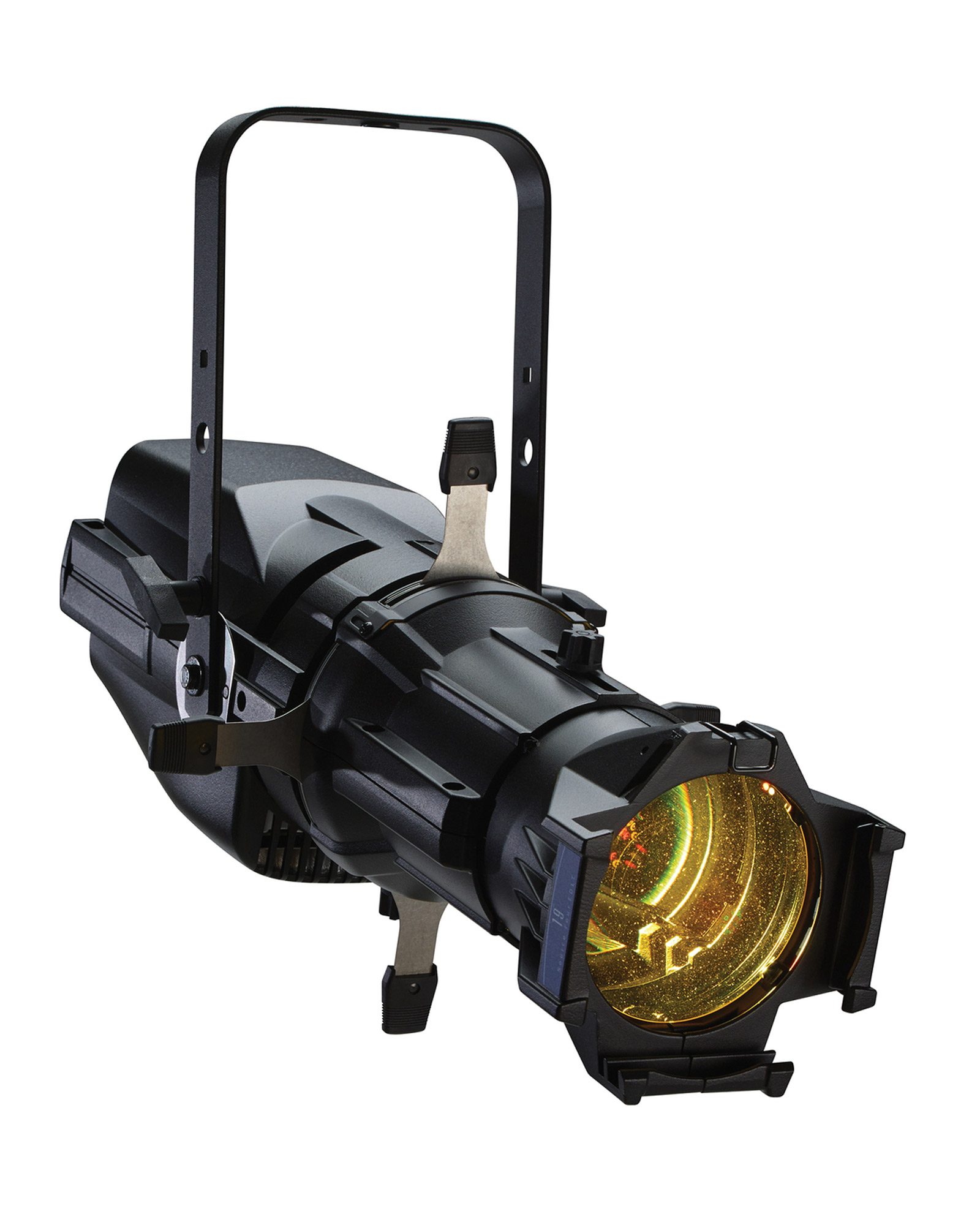
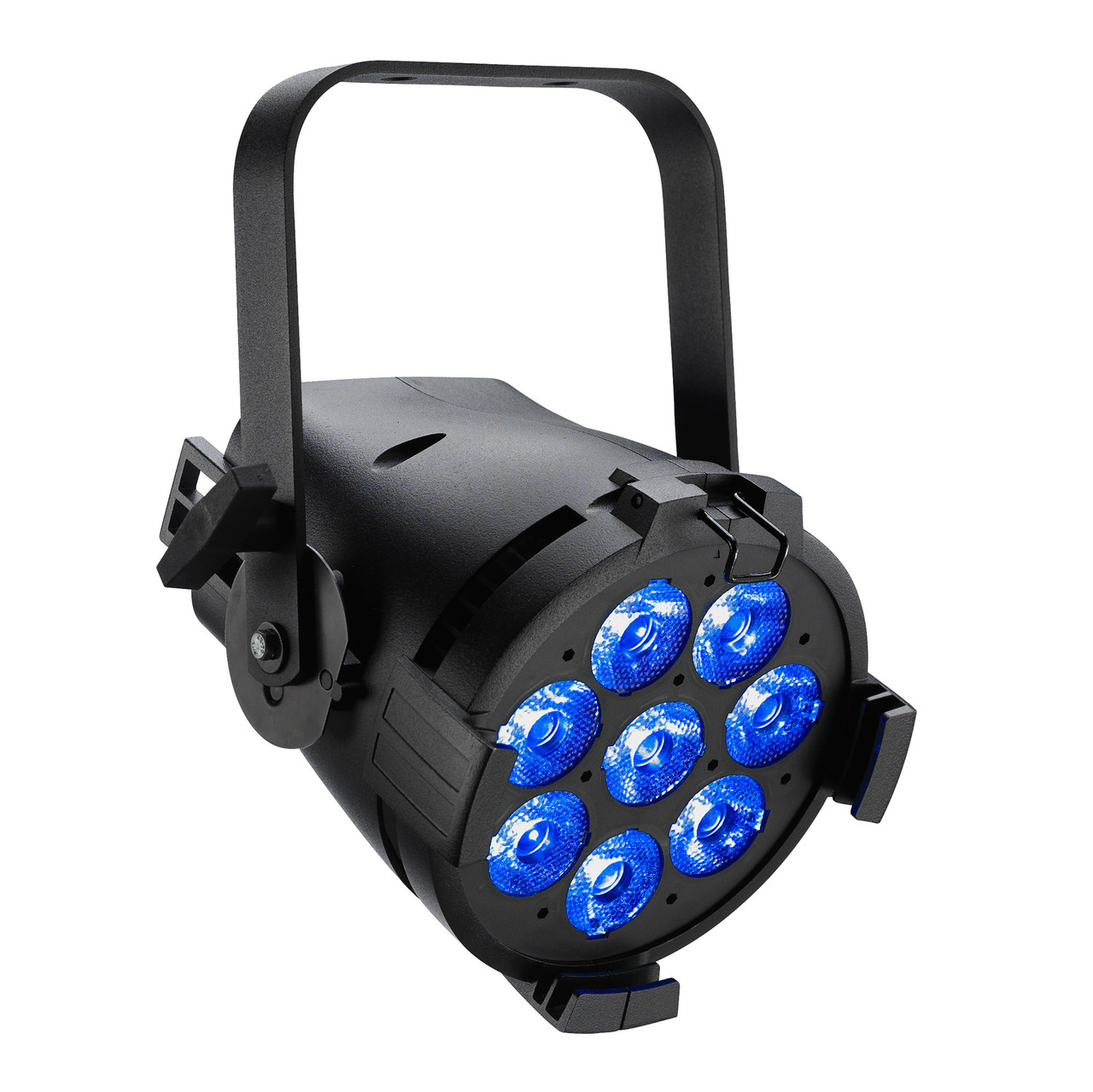
</td><td style="height: 147.391px;"><span style="color: rgb(0,0,0);">ETC ColorSource Spot jr (inventory Blackboxes &amp; klein Zaal)</span>

[![image.png](https://bookstack.hku.nl/uploads/images/gallery/2024-10/scaled-1680-/EPPimage.png)](https://bookstack.hku.nl/uploads/images/gallery/2024-10/EPPimage.png)

<span style="color: rgb(0,0,0);">[ETC ColorSource Par](https://www.etcconnect.com/WorkArea/DownloadAsset.aspx?id=10737484145) (inventory Blackboxes)</span>

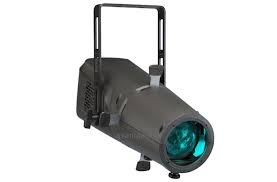
<span style="color: rgb(0,0,0);">ColorSource Spot Deep Blue (inventory Kleine Zaal)  
[![image.png](https://bookstack.hku.nl/uploads/images/gallery/2024-10/scaled-1680-/G1Aimage.png)](https://bookstack.hku.nl/uploads/images/gallery/2024-10/G1Aimage.png)  
</span>

![image.png](https://bookstack.hku.nl/uploads/images/gallery/2024-10/scaled-1680-/Shzimage.png)</td></tr><tr style="height: 133.078px;"><td style="height: 133.078px;">**6 channels:**   
Red  
Green  
Blue  
White  
Amber  
Uv</td><td style="height: 133.078px;">[6CH\_Par\_RGBWAU.tox](https://bookstack.hku.nl/attachments/72)

</td><td style="height: 133.078px;">[High End PAR uitleen Theater : ](https://reserveren.hku.nl/#equipment/48602)[![image.png](https://bookstack.hku.nl/uploads/images/gallery/2024-10/scaled-1680-/KfBimage.png)](https://bookstack.hku.nl/uploads/images/gallery/2024-10/KfBimage.png)  
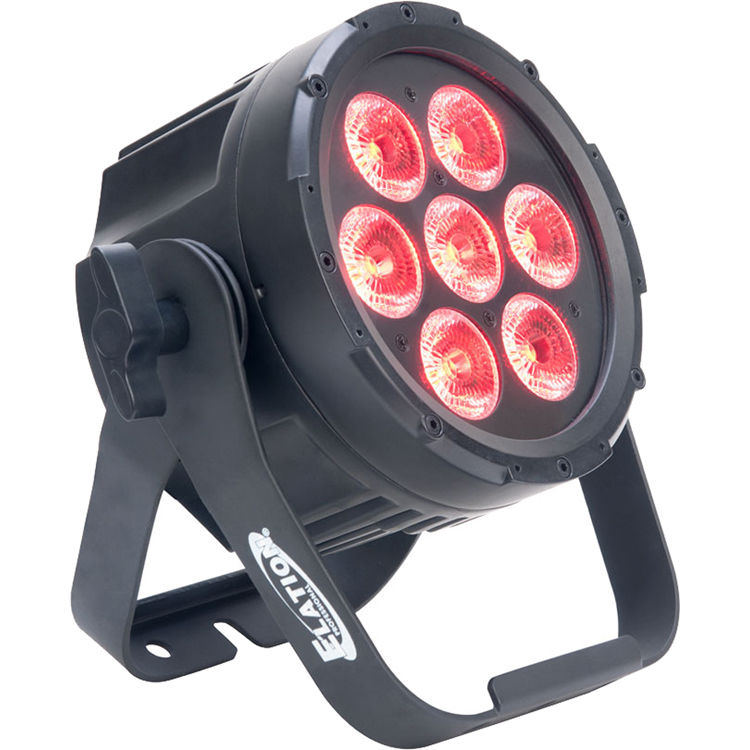
type &amp; DMX traits: Elation [SIXPAR 100](https://d295jznhem2tn9.cloudfront.net/ItemRelatedFiles/9887/elation_sixpar_100_dmx_traits_ver_1.pdf)

&gt;&gt;

[Mid Range PAR uitleen Theater](https://reserveren.hku.nl/#equipment/189163)   
type &amp; DMX traits: [5PXHEX ](https://www.adj.eu/mwdownloads/download/link/id/1202)

</td></tr><tr><td>**6 channels:**

Red

Green

Blue  
White  
Intensity  
Prog

</td><td>[6CH\_Eurolite\_RGBWIP.tox](https://bookstack.hku.nl/attachments/97)

</td><td>[Eurolite Basic PAR uitleen theater ](https://reserveren.hku.nl/#equipment/44251 "Eauolite Basic Theater")[![led par cheap.jpeg](https://bookstack.hku.nl/uploads/images/gallery/2025-06/scaled-1680-/led-par-cheap.jpeg)](https://bookstack.hku.nl/uploads/images/gallery/2025-06/led-par-cheap.jpeg)
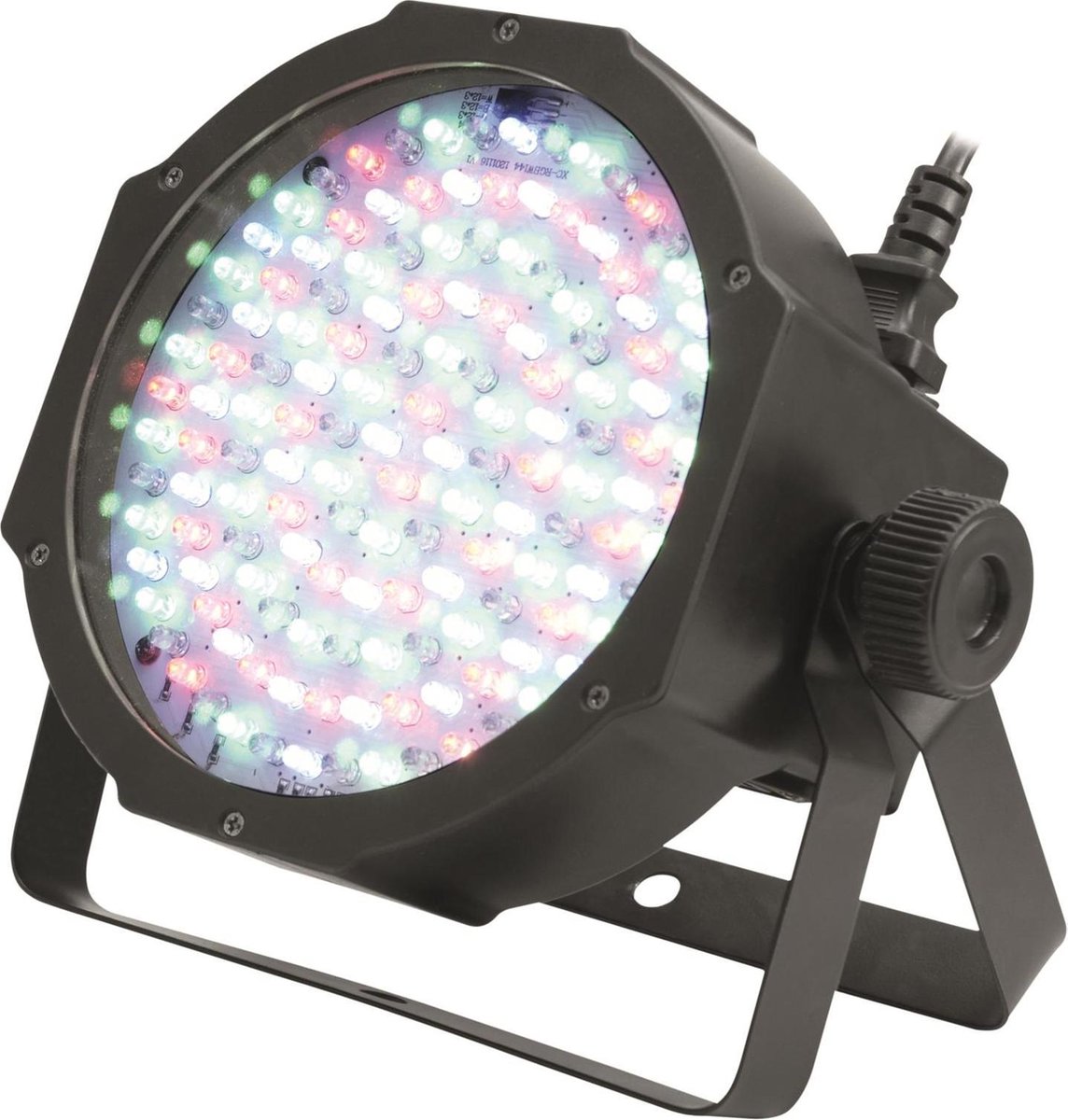
manual &amp; dmx traits : [Eurolite](https://www.manualslib.com/manual/3147981/Eurolite-Led-Sls-144-Rgbw-144-Rgbw-Floorspot.html?page=22#manual "Eurolite")

</td></tr><tr style="height: 29.7969px;"><td style="height: 29.7969px;">**7 channels:**   
Red  
Green  
Blue  
White  
Amber  
Uv  
Master Dimmer</td><td style="height: 29.7969px;">[7CH\_Par\_RGBWAUI.tox](https://bookstack.hku.nl/attachments/73)</td><td style="height: 29.7969px;">[High End PAR uitleen Theater : ](https://reserveren.hku.nl/#equipment/48602)  
type &amp; DMX traits: Elation [SIXPAR 100](https://d295jznhem2tn9.cloudfront.net/ItemRelatedFiles/9887/elation_sixpar_100_dmx_traits_ver_1.pdf)![image.png](https://bookstack.hku.nl/uploads/images/gallery/2024-10/scaled-1680-/hziimage.png)
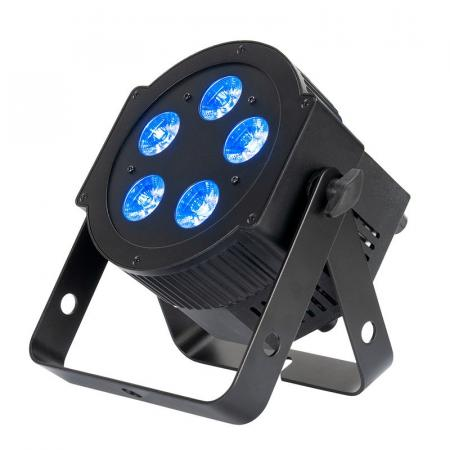
[Mid Range PAR uitleen Theater](https://reserveren.hku.nl/#equipment/189163)   
type &amp; DMX traits: [5PXHEX ](https://www.adj.eu/mwdownloads/download/link/id/1202)

&gt;&gt;

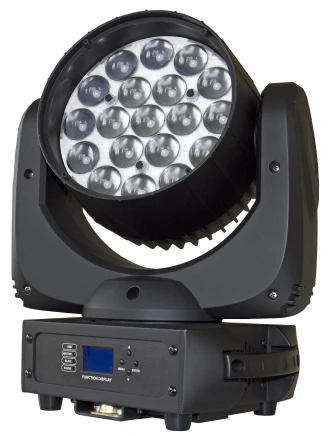
</td></tr><tr><td>**14 channels** (see Briteq [manual](https://briteq-lighting.com/nl/fileuploader/download/download/?d=0&file=custom%2Fupload%2FFile-1423744440.pdf))</td><td>[Moving\_Head\_Briteq\_BT\_W19L10ZOOM\_14ch.tox](https://bookstack.hku.nl/attachments/78)

[Moving\_Head\_Ayra\_ero406.tox](https://bookstack.hku.nl/attachments/82)

</td><td>[![image.png](https://bookstack.hku.nl/uploads/images/gallery/2024-11/scaled-1680-/image.png). ](https://bookstack.hku.nl/uploads/images/gallery/2024-11/image.png)[![image.png](https://bookstack.hku.nl/uploads/images/gallery/2025-01/scaled-1680-/V1Fimage.png)](https://bookstack.hku.nl/uploads/images/gallery/2025-01/V1Fimage.png)
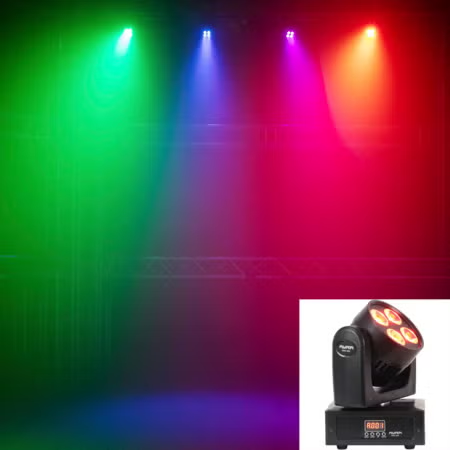
[Briteq BT-W19L10 Zoom (uitleen Oudenoord)](https://reserveren.hku.nl/#equipment/29362 "https://reserveren.hku.nl/#equipment/29362")  
WASH, type &amp; DMX traits [BT-W19L10](https://briteq-lighting.com/nl/fileuploader/download/download/?d=0&file=custom%2Fupload%2FFile-1423744440.pdf "manual")  
  
[Ayra Ero406 WASH](https://www.manualslib.com/manual/1908400/Ayra-Ero-406.html) (not in HKU but cheap at BaxShop)

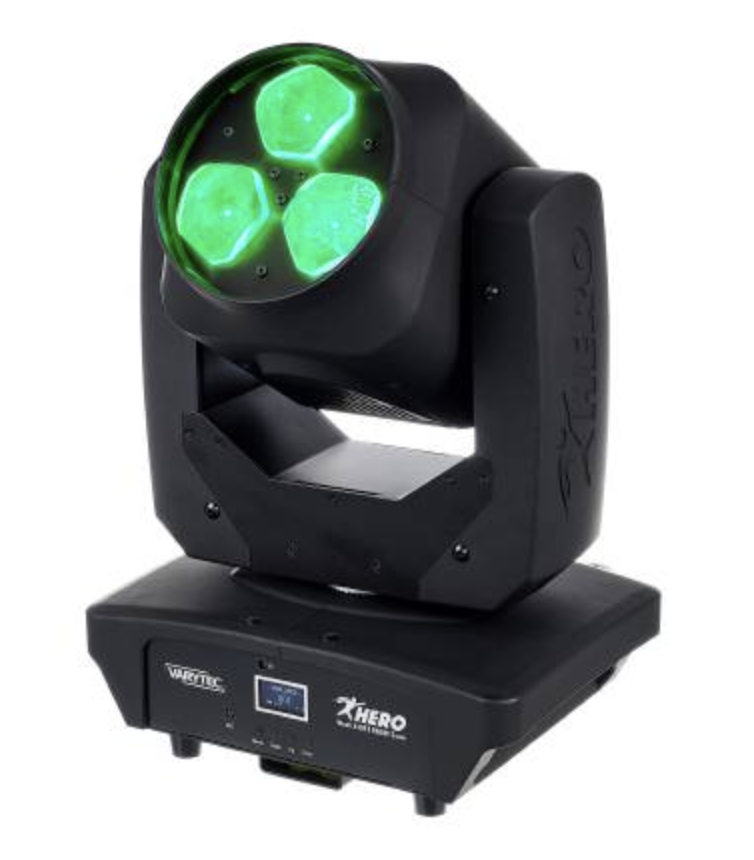
</td></tr><tr><td>**16 channels**</td><td>[MH\_Varytec\_340FX\_16ch.tox](https://bookstack.hku.nl/attachments/124)   
(visualizer under construction!)

</td><td>[![Screenshot 2026-01-20 at 14.34.56.png](https://bookstack.hku.nl/uploads/images/gallery/2026-01/scaled-1680-/screenshot-2026-01-20-at-14-34-56.png)](https://bookstack.hku.nl/uploads/images/gallery/2026-01/screenshot-2026-01-20-at-14-34-56.png)

[https://www.manualslib.com/manual/2561032/Varytec-Hero-Wash-340fx-Rgbw-Zoom.html](https://www.manualslib.com/manual/2561032/Varytec-Hero-Wash-340fx-Rgbw-Zoom.html)

</td></tr></tbody></table>

Example patch how to use tox files:

[licht TD.toe](https://bookstack.hku.nl/attachments/133)

Easy DMX\_Out for Artnet (use a merge to connect multiple fixtures, dive in &amp; adjust de DMX out to use another interface)  
[dmx\_out\_Artnet.tox](https://bookstack.hku.nl/attachments/83)

Patch for the Blackbox @ Janskerkhof (to connect with OSC via ipad)  


Check out the [WLED](https://bookstack.hku.nl/books/controlling-lights/page/wled) page to connect TD to LEDstrips

# Resolume Arena.

[![Resolume DMX.jpg](https://bookstack.hku.nl/uploads/images/gallery/2024-02/scaled-1680-/resolume-dmx.jpg)](https://bookstack.hku.nl/uploads/images/gallery/2024-02/resolume-dmx.jpg)

[Resolume Arena](https://resolume.com/software/avenue-arena) is Vj software, normally used for sending visuals to screens. But can also can output the color or brightness of your pixels to LED strips or other light fixtures via DMX. Beware that you need a hardware controller to covert you signal to DMX, NOT an Enttec..... ([see below](https://bookstack.hku.nl/link/348#bkmrk-artnet-devices-suppo))

Control lights using visuals as input, straight from within the software.  
Check out the explanation of the basics on the [Resolume Website](https://resolume.com/support/en/dmx) it's really clear &amp; helpfull. **[https://resolume.com/support/en/dmx](https://resolume.com/support/en/dmx)**

### **Creating custom fixtures in Arena:** 

The basic explanation for creating fixtures can be found here : [https://resolume.com/support/en/fixture-editor#creating-a-new-fixture](https://resolume.com/support/en/fixture-editor#creating-a-new-fixture)

Use the fixture editor to create fixtures as output in Arena. Remember, a Par or Spot is 1 x1 pixel, so if you select a bigger input, it wil still output one color. Choose the Color Format that matches your fixture (see the dmx traits when you do a search for the brand &amp; model)   
Many of the (theater)lights you can use or borrow at HKU can be put in RGB mode. But in some cases you may want to acces a fixture without changing the mode even if it is set to 5 or 6 channels including intensity and strobe, which cannot be used by Resolume. The fix for this is to work with dummy channels/custom parameters, like in this picture:

[![Screenshot 2025-03-18 at 20.52.21.png](https://bookstack.hku.nl/uploads/images/gallery/2025-03/scaled-1680-/screenshot-2025-03-18-at-20-52-21.png)](https://bookstack.hku.nl/uploads/images/gallery/2025-03/screenshot-2025-03-18-at-20-52-21.png)  
Intensity is set to a fixed 100 (else the colours won't be visible) &amp; strobe to a fixed 0. The rest will be done n RGB mode.   
Add these parameters with the + icon blow &amp; drag them to the right order.

### **Tutorial about Mapping Pixels with DMX**

In this [tutorial](https://www.youtube.com/watch?v=LKtKUMT4ZOs), Resolume Arena is used to create and control various **DMX Light fixtures.**

Every dmx light has its own specifications, pixel mapping possibilities and/or channel modes. Learn how to make your own light fixture layout for your personal lights in Resolume. Also how to decide what animations run over your fixture(s).

**[https://www.youtube.com/watch?v=LKtKUMT4ZOs](https://www.youtube.com/watch?v=LKtKUMT4ZOs)** screenshot from YouTube video:

**[![pixel mapping resolume dmx.png](https://bookstack.hku.nl/uploads/images/gallery/2024-02/scaled-1680-/pixel-mapping-resolume-dmx.png)](https://bookstack.hku.nl/uploads/images/gallery/2024-02/pixel-mapping-resolume-dmx.png)**example of fixture output in Arena:   
[ ![Screenshot 2025-03-18 at 22.14.40.png](https://bookstack.hku.nl/uploads/images/gallery/2025-03/scaled-1680-/screenshot-2025-03-18-at-22-14-40.png)](https://bookstack.hku.nl/uploads/images/gallery/2025-03/screenshot-2025-03-18-at-22-14-40.png)  
example of a pixelstrip as output in Arena:  
[![image.png](https://bookstack.hku.nl/uploads/images/gallery/2025-02/scaled-1680-/tZXimage.png)](https://bookstack.hku.nl/uploads/images/gallery/2025-02/tZXimage.png)

### ArtNet Devices supported by Resolume Arena.

**Resolume Arena 6 and up do not support** **Enttec DMX USB devices!** If you'd like to use an Enttec DMX USB device, your only option is to stick with Arena 5. Or to use a different USB to DMX device.  
  
At the HKU Blackbox we use a **[LanBuddy](https://www.elclighting.com/products/dmxlan-buddy/)** or [**Showtec NET 2/5** ](https://www.highlite.com/en/50807-net-2-3-pocket.html)or Showtec NET 2/3, as output device for sending DMX information from the PC to the lights.   
  
What is convenient about this setup vs using Enttec DMX USB (MKII and such), is that we can extend the Showtec NET 2/5 by use of network cable, instead of USB cable. Example: if you want your lamps all the way at the far end of a large room, you can connect the PC and dongle via 30m network cable without signal loss, vs having to extend DMX cables/usb cables.   
  
These ArtNet converters can also be used wireless, over Wifi, when plugged in to your router (ethernet). Bye bye cables :)

[![showtec net 2:5.jpg](https://bookstack.hku.nl/uploads/images/gallery/2024-02/scaled-1680-/showtec-net-25.jpg)](https://bookstack.hku.nl/uploads/images/gallery/2024-02/showtec-net-25.jpg)

Manual about the NET 2/3 [https://www.huss-licht-ton.de/images/products\_download/Manual\_34954\_1.pdf](https://www.huss-licht-ton.de/images/products_download/Manual_34954_1.pdf)  
Manual about the NET 2/5 [https://www.highlite.com/en/mwdownloads/download/link/id/17428216](https://www.highlite.com/en/mwdownloads/download/link/id/17428216)  
Lanbuddy MAnual [https://www.elclighting.com/wp-content/uploads/2022/09/Buddy-quickstart.pdf](https://www.elclighting.com/wp-content/uploads/2022/09/Buddy-quickstart.pdf)

# Control lights from Isadora

#### Control lights from Isadora with ENTTEC-DMX

With this Isadora file you can control DMX lighting directly using an [ENTECC DMX USB PRO](https://www.enttec.com/product/dmx-usb-interfaces/dmx-usb-pro-professional-1u-usb-to-dmx512-converter/)   
Download this file to get access to the user actors that control lights: [Fixtures and Light Control ENTTEC-DMX.izz](https://bookstack.hku.nl/attachments/129)

Here you'll find some examples and also a scene with user actors for many of the lights that can be found at HKU.

[![Screenshot 2026-03-25 at 15.30.50.png](https://bookstack.hku.nl/uploads/images/gallery/2026-03/scaled-1680-/screenshot-2026-03-25-at-15-30-50.png)](https://bookstack.hku.nl/uploads/images/gallery/2026-03/screenshot-2026-03-25-at-15-30-50.png)

[![Screenshot 2026-03-25 at 15.54.58.png](https://bookstack.hku.nl/uploads/images/gallery/2026-03/scaled-1680-/screenshot-2026-03-25-at-15-54-58.png)](https://bookstack.hku.nl/uploads/images/gallery/2026-03/screenshot-2026-03-25-at-15-54-58.png)

# EMU

EMU  intuitive sound-to-light controller designed for professional live musicians and DJs.   
Easy to use software, EMU allows you to run automated or responsive DMX light shows, leaving you to focus on your show.  
  
@Hku we use EMU mainly to get a dependable install of the drivers for [ENTTEC](https://bookstack.hku.nl/books/controlling-lights/page/enttec)

<iframe allowfullscreen="allowfullscreen" height="314" src="https://www.youtube.com/embed/ENoRfXE_G10" width="560"></iframe>