# Controlling Aputure and Nanlite lights with IOS and Android app's
This page gives a short summation different light brands and the available applications to control the light parameters with a smartphone through bluetooth connection or, if possible, with a DMX connection
# Aputure
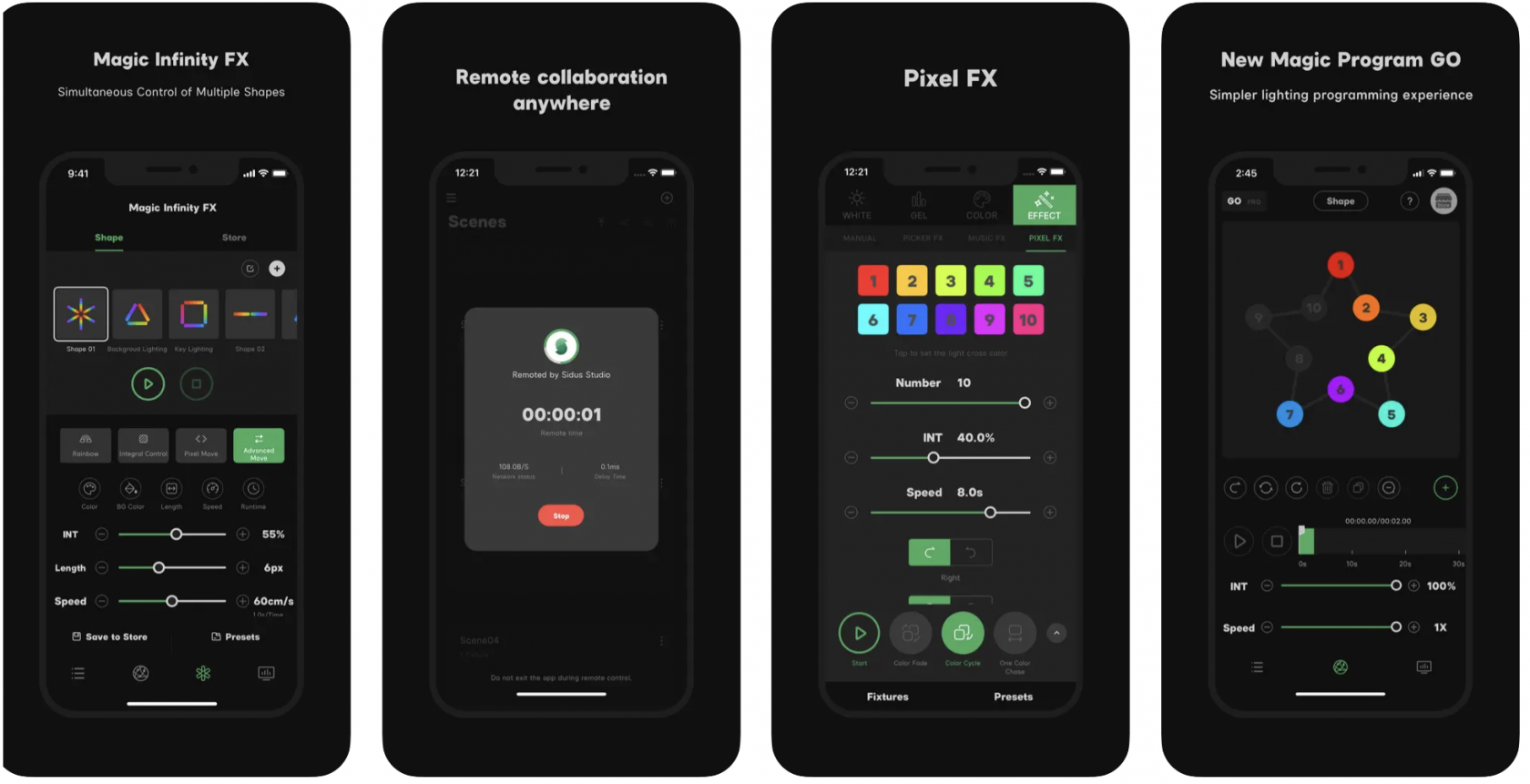
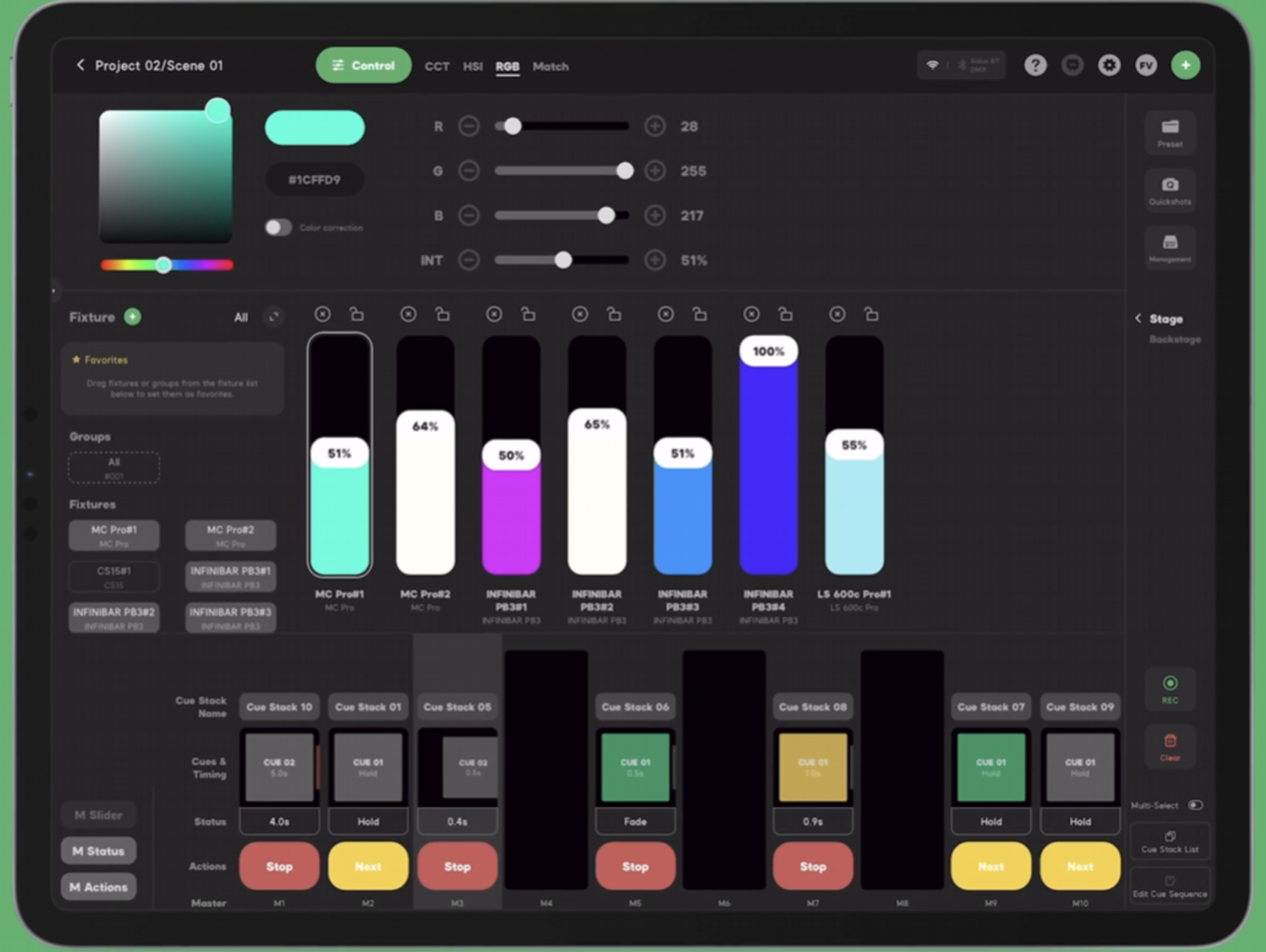
The [Aputure](https://www.aputure.com/) brand has a number of models on the market that can be controlled with the [Sidus Link](https://www.sidus.link/) application using a Bluetooth connection. Below you can find links to OS and device specific downloads, and a range of tutorials how to use Sidus Link in conjunction with Aputure lights.
For IOS Iphone: [https://apps.apple.com/us/app/sidus-link/id1471951977](https://apps.apple.com/us/app/sidus-link/id1471951977)
For Android: [https://play.google.com/store/apps/details?id=creativity.intelligence.application.sidus.link&hl=nl](https://play.google.com/store/apps/details?id=creativity.intelligence.application.sidus.link&hl=nl)
[](https://bookstack.hku.nl/uploads/images/gallery/2024-09/screenshot-2024-09-26-at-08-12-23.png)
For IOS iPad: [https://apps.apple.com/us/app/sidus-link-pro/id1574126730](https://apps.apple.com/us/app/sidus-link-pro/id1574126730)
[](https://bookstack.hku.nl/uploads/images/gallery/2024-09/screenshot-2024-09-26-at-08-17-26.png)
How to:
Mobile app walkthrough:
[Sidus Link Pro User Guide Series](https://youtube.com/playlist?list=PLjnBD0tWOQ1_Celeqt5YZBcsLVbFTrD-x&si=mBVal1Xtff0PnetP)
(playlist on youtube)
# Nanlite
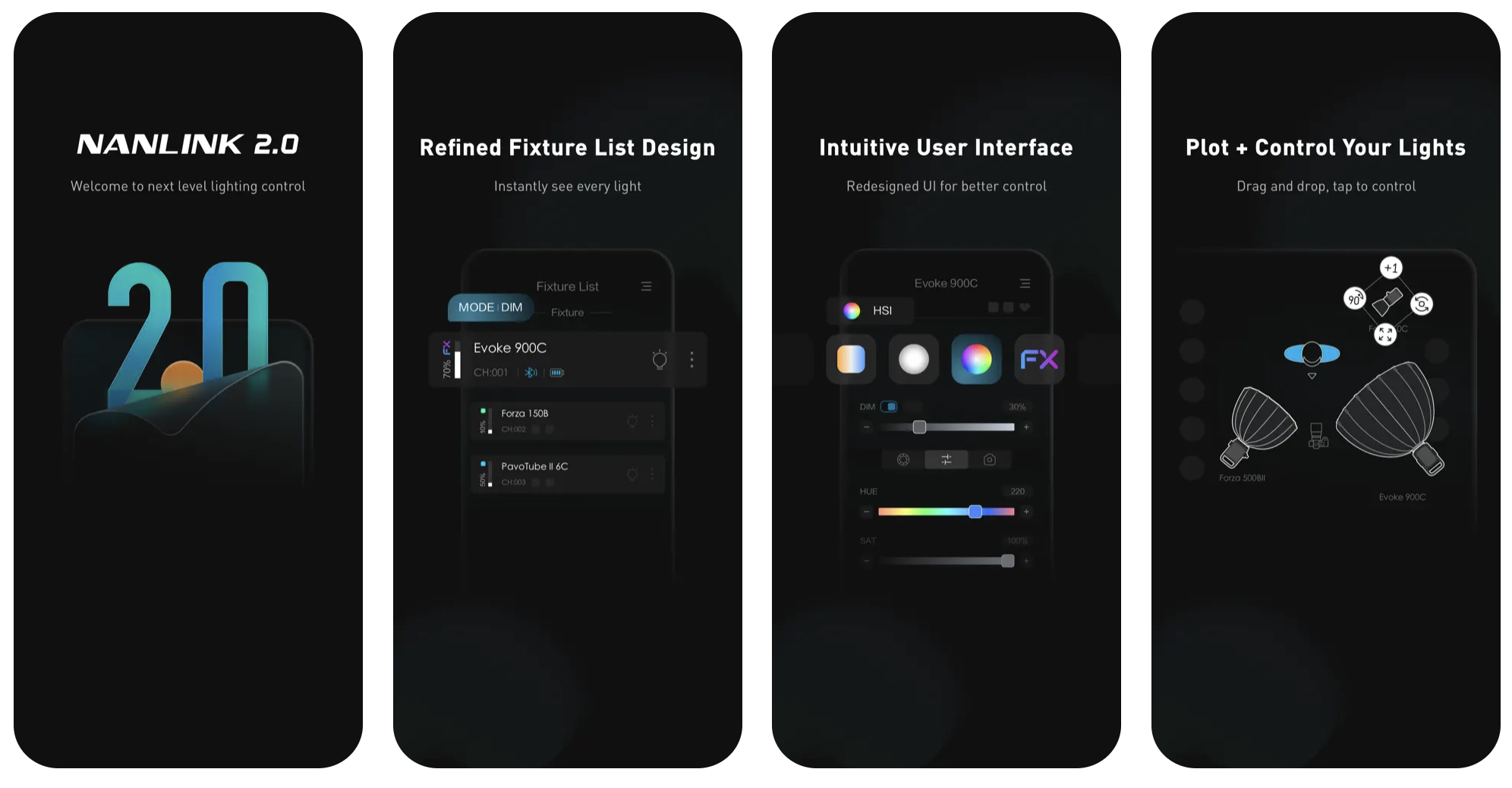
[Nanlite](https://www.nanlite.com/#/en) has numerous of models on the market that can be controlled with the [Nanlink](https://www.nanlink.com/en/h-col-291.html) application using a Bluetooth connection. Below you can find links to OS specific downloads, and a range of tutorials how to use Nanlink in conjunction with Nanlite.
Nanlink for IOS: [https://apps.apple.com/us/app/nanlink/id1584085006](https://apps.apple.com/us/app/nanlink/id1584085006)
Nanlink for Android: [https://play.google.com/store/apps/details?id=com.nanlink.nanlink&hl=nl](https://play.google.com/store/apps/details?id=com.nanlink.nanlink&hl=nl)
[](https://bookstack.hku.nl/uploads/images/gallery/2024-09/screenshot-2024-09-26-at-08-30-02.png)
How to: