# Software
# Reaper
Reaper is a cost-effective and highly customizable digital audio workstation (DAW) used by musicians, audio professionals and artists. Its key benefits include:
1\. **Affordability**: Professional-grade features at a budget-friendly price.
2\. **Customizability**: Tailor the software to your workflow with customizable shortcuts and themes.
3\. **Efficiency**: Runs smoothly on a wide range of computer setups.
4\. **Multitrack Recording**: Excellent for multitrack recording and editing.
5\. **Plugin Compatibility**: Seamlessly integrates with third-party VST and AU plugins.
6\. **Cross-Platform**: Available for both Windows and macOS.
7\. **Active Community**: Access to a vibrant user community and support forums
A 60 day trail is available at [https://www.reaper.fm/](https://www.reaper.fm/) or you can buy discounted license.
(although reaper is worth the license, users have reported the evaluation period to be infinite, so... just try..)
**Learn**
*click image to go to website*
[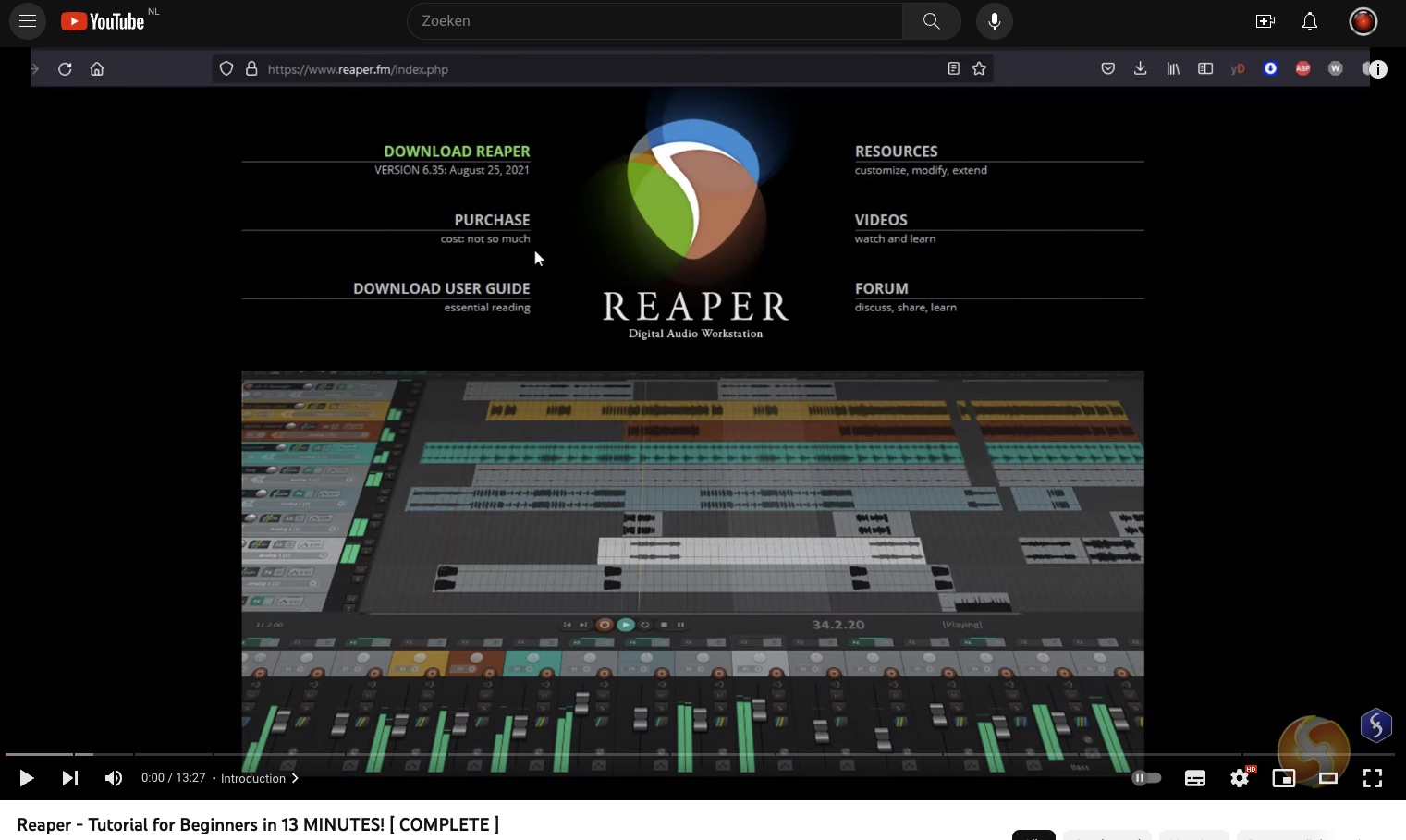](https://www.youtube.com/watch?v=_shjd4GBILo&t=1s "Reaper tutorial Youtube")
[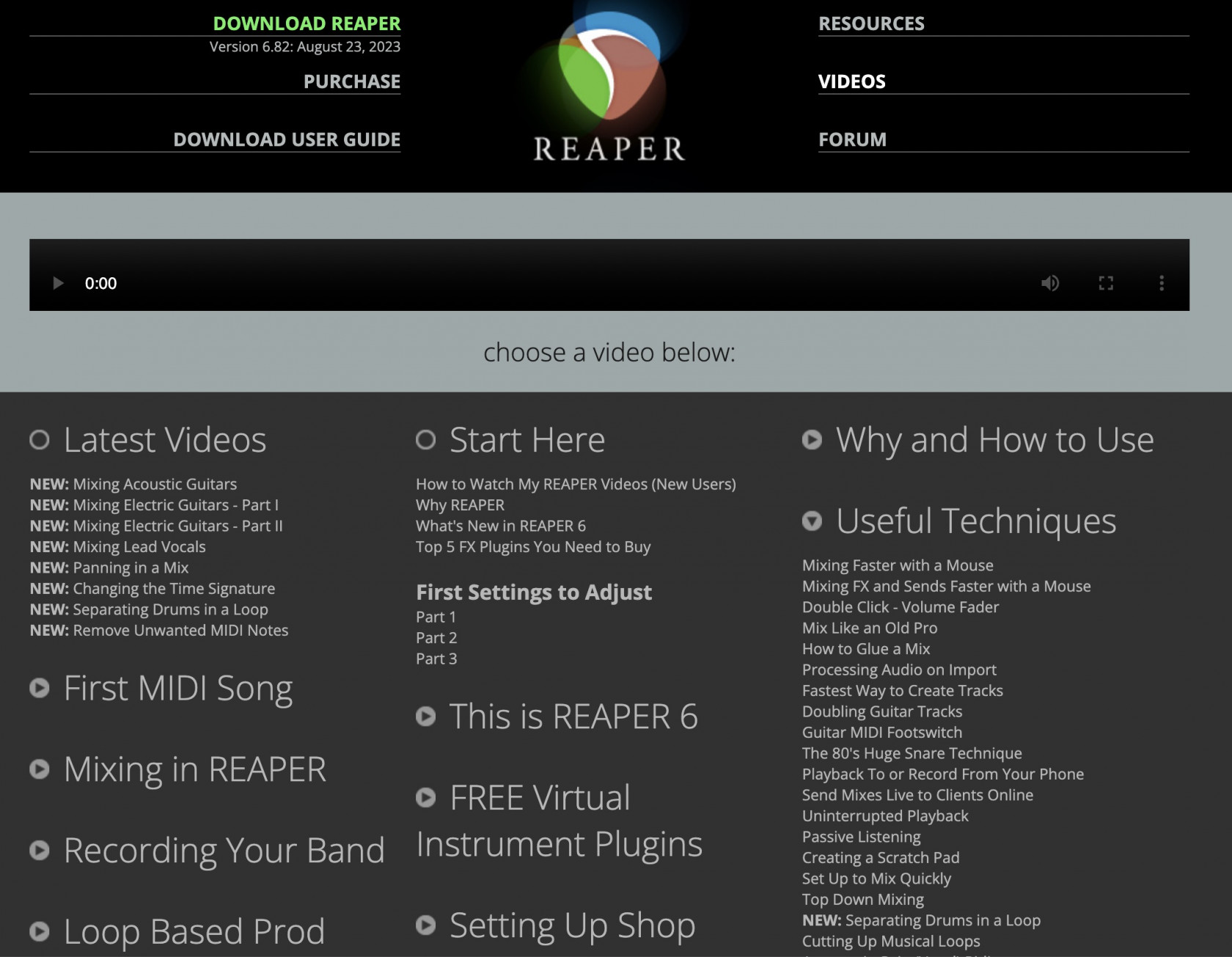](https://www.reaper.fm/videos.php)
free signup voor an e-book on [podcast editing in reaper](https://www.podcastingsmart.com/reaper)
# Ableton Live
Ableton Live is a popular digital audio workstation (DAW) known for its real-time performance capabilities, intuitive interface, extensive sound library, and Max for Live integration. Its benefits include:
- 1. **Live Performance**: Ideal for DJs and electronic musicians with its real-time Session View.
- 2. **User-Friendly**: A straightforward interface that minimizes complexity.
- 3. **Rich Sound Library**: Comes with a diverse collection of instruments and effects.
- 4. **MIDI Power**: Offers powerful MIDI control and routing for creativity.
- 5. **Max for Live Integration**: Seamlessly incorporates Max for Live, allowing users to create custom devices and expand functionality.
- 6. **Stability**: Reliable and rarely crashes, suitable for both studio work and live gigs.
A 30 day trail is available at [https://www.ableton.com/en/trial/](https://www.ableton.com/en/trial/) or you can buy it with a student or education discount.
Licensed Abelton live is installed & available on most Blackbox workstations for HKU students.
Add [this](https://www.showsync.com/tools#livegrabber) to send [OSC](https://bookstack.hku.nl/books/osc-open-sound-control) from Ableton to any other software [https://www.showsync.com/tools#livegrabber](https://www.showsync.com/tools#livegrabber)
**Learn**
*click image to go to website*
[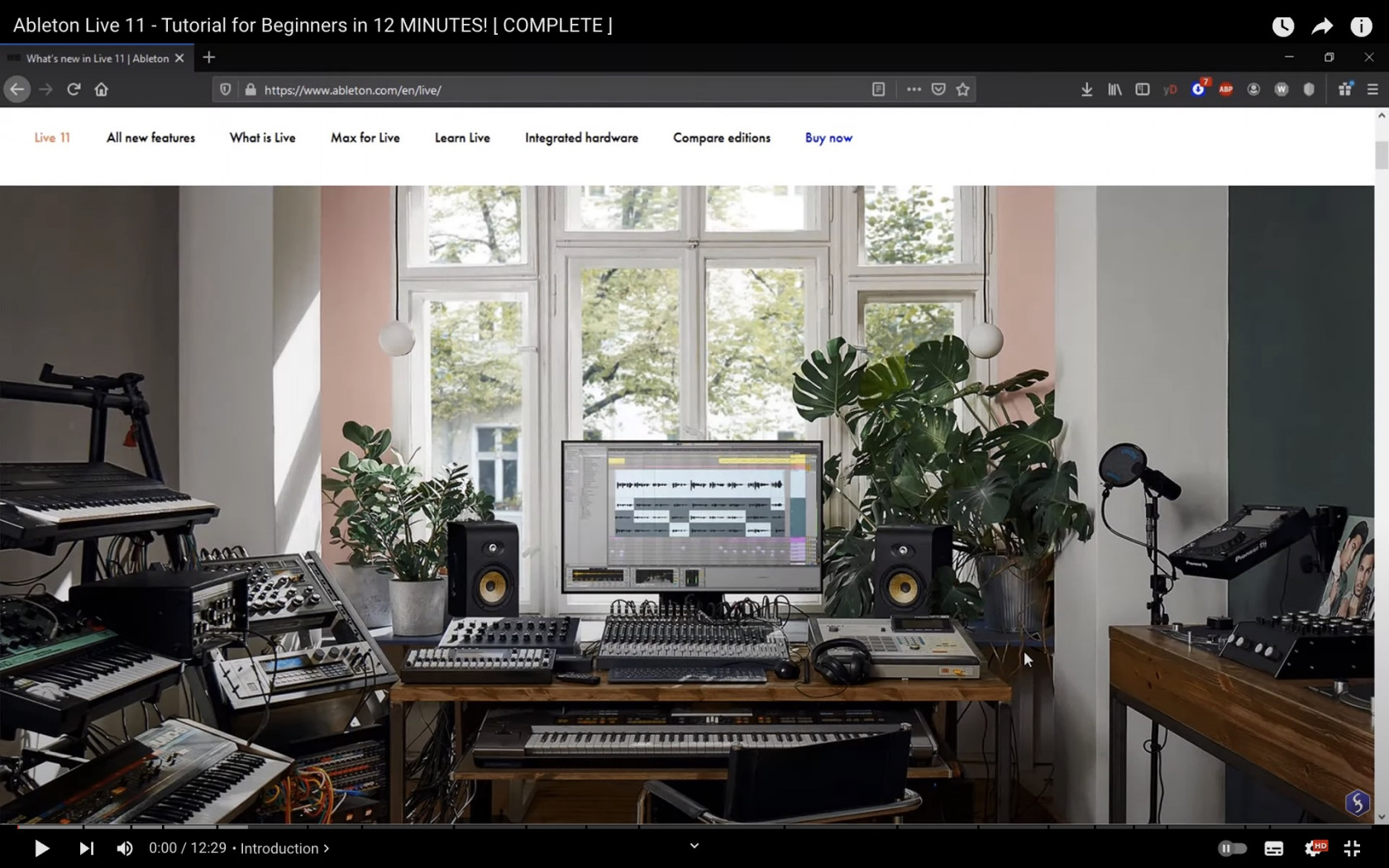](https://youtu.be/vCNASTnM6p4?si=VdZh_O8tUoYRZySg)
[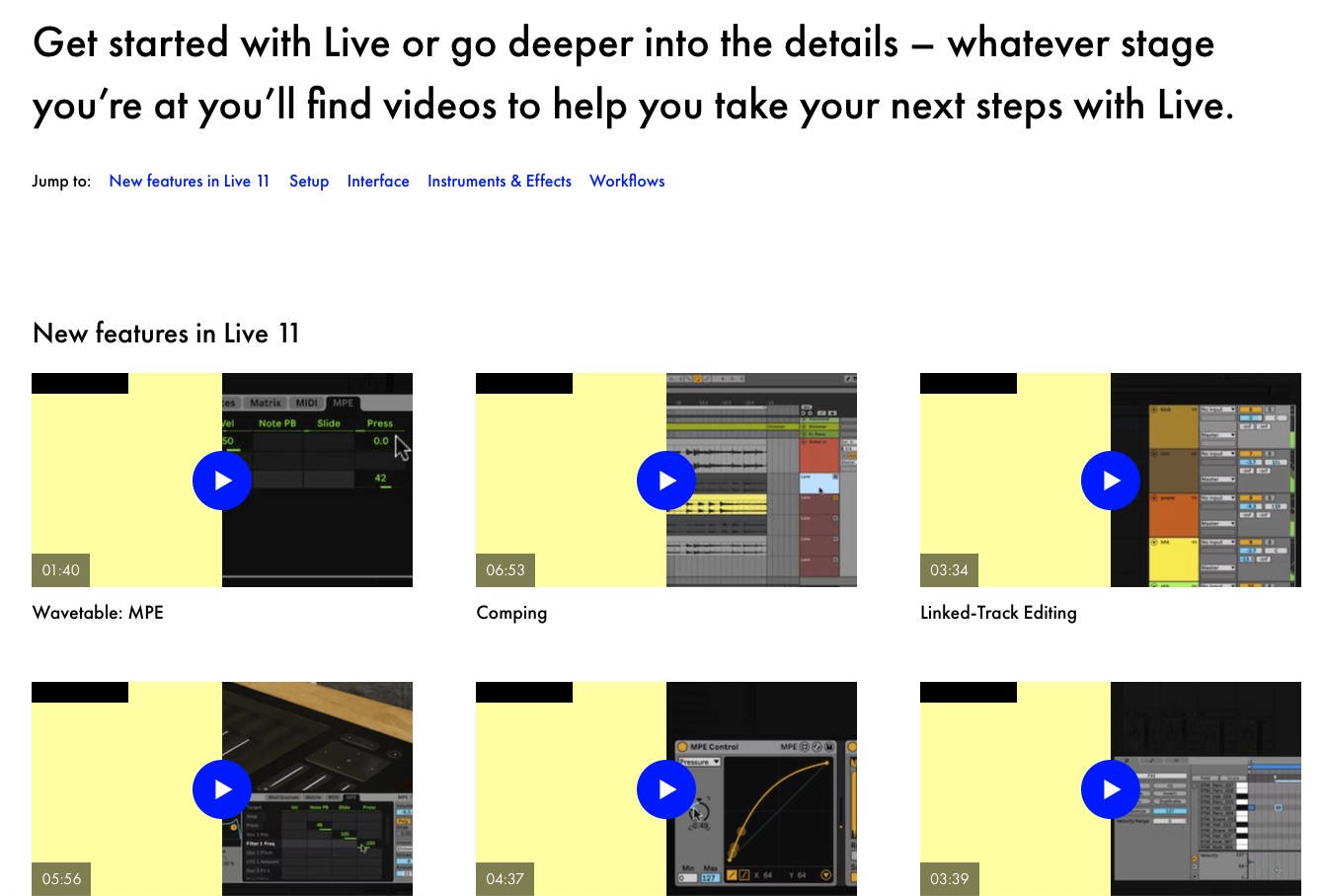](https://bookstack.hku.nl/uploads/images/gallery/2023-10/screenshot-2023-10-05-at-16-33-01.jpeghttps://www.ableton.com/en/live/learn-live/)
# Audacity
Audacity is an easy-to-use, multi-track audio editor and recorder for Windows, macOS, GNU/Linux and other operating systems. Audacity is free, open source software.
download: [https://www.audacityteam.org/download/](https://www.audacityteam.org/download/)
getting started:
more help: [https://support.audacityteam.org/](https://support.audacityteam.org/)
Beware! Using Audacity to edit your source files is DESTRUCTIVE meaning any adjustments made to your file are permanent. Therefor, good practise is to work in a copy of your original file.
# Adobe Audition
Audition is a comprehensive toolset that includes multitrack, waveform, and spectral display for creating, mixing, editing, and restoring audio content. This powerful audio workstation is designed to accelerate video production workflows and audio finishing — and deliver a polished mix with pristine sound.
Part of the Adobe Creative Cloud. Works seamlessly with Adobe Premiere a.o.
Learn the basics on the [adobe website ](https://creativecloud.adobe.com/learn/app/audition "Adobe Audiotion getting started")
or watch this to do your first audio recording & edit
Less useful for creating music but awesome for video & podcast:
for example:
\- [Easily remix music to fit your video](https://creativecloud.adobe.com/learn/premiere-pro/web/edit-music-dynamic-link-remix?playlist=/ccx/v1/collection/product/audition/segment/designer/explevel/beginner/applaunch/orientation/collection.ccx.js?ref=helpx.adobe.com "Remix the length of your track to fit")
\- [repairing your recorded audio ](https://www.youtube.com/watch?v=H0_FKKSTZgQ "repairing your recorded audio ")