Controlling LED
Controlling LEDstrips with Arduino
LED Strips and Arduino
With the Adafruit Neopixel library, it is very easy to work with controlling different types of LED's using Arduino. Adafruit has a very extensive "Adafruit NeoPixel Überguide" available online, where you can follow a step-by-step guide for controlling LED strips, panels and individual led's.
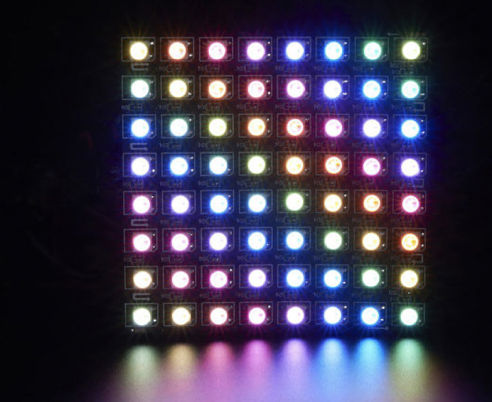
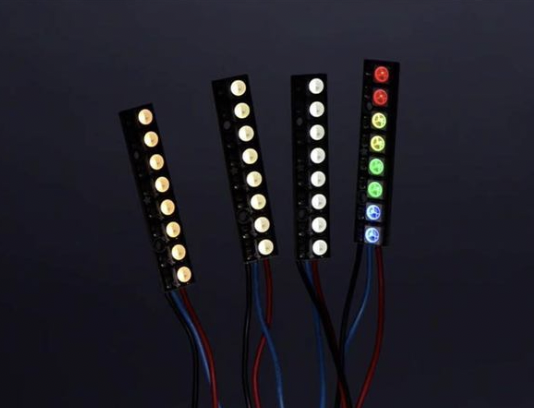
NeoPixel options:
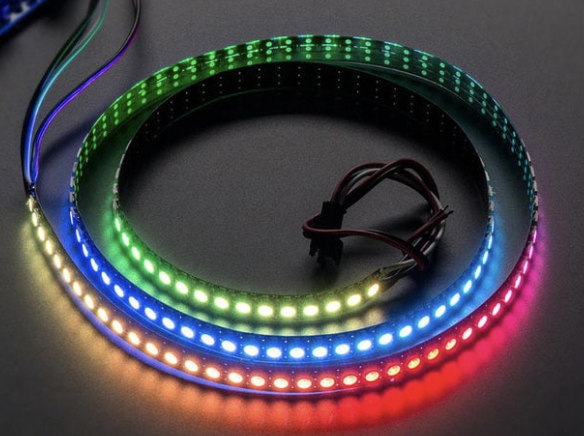 |
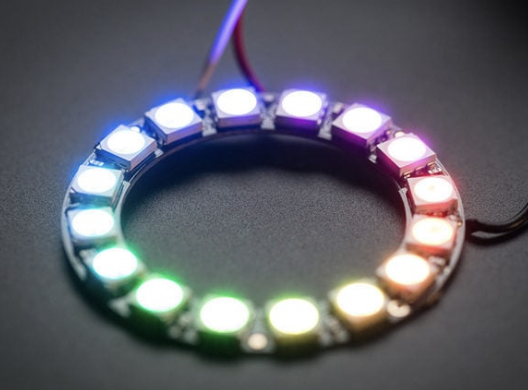 |
| Strips | Rings |
|
|
|
|
Matrices |
Pins |
|
|
^^ link to more options available via kiwi electronics |
|
Neon-Like Stips |
Images from Adafruit |
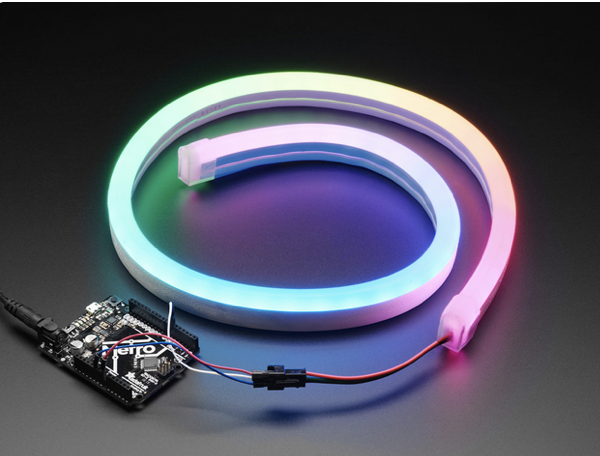
Basic NeoPixel LED strip setup
HARDWARE
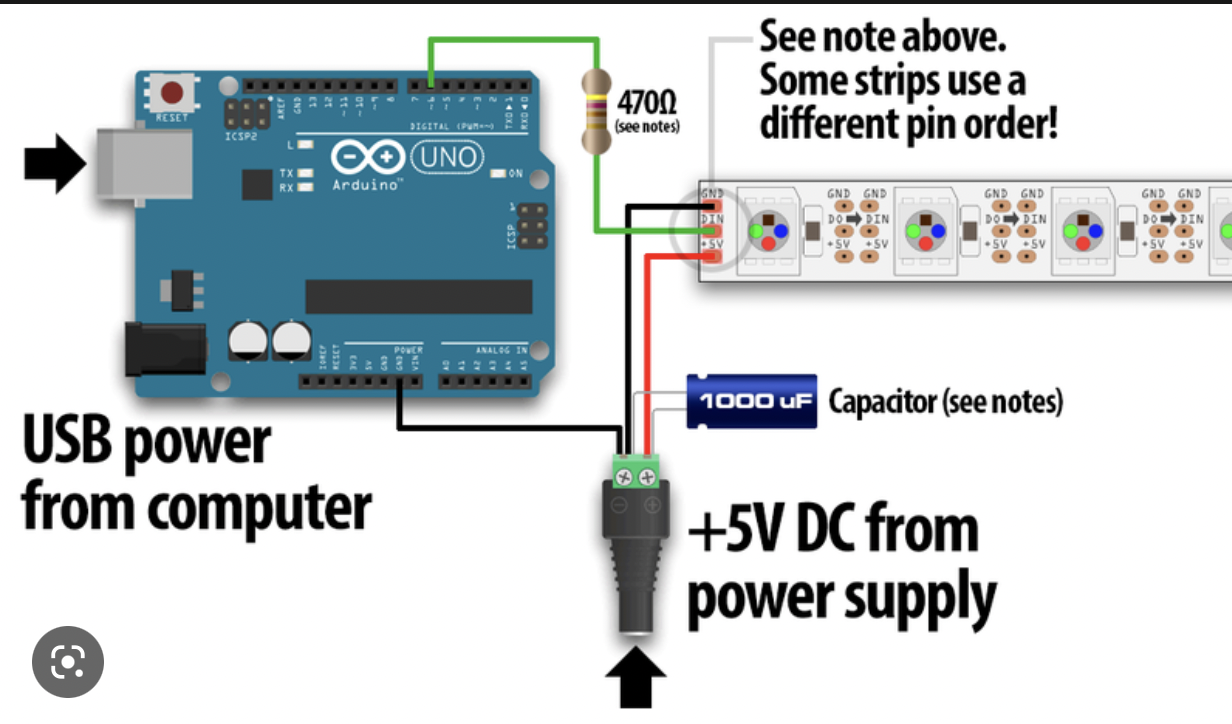
Materials needed:
- Arduino Uno (or other available Arduino, but Nano is most beginner friendly)
- 1x 300 to 500 Ohm Resistor
- 5V power supply (this type is recommended for simple setup)
- 1x 500–1000 µF Capacitor
For controlling LED strips and Arduino you can build the following hardware:
SOFTWARE
Launch the Arduino IDE.
If you have not installed the NeoPixel Library for Arduino, first make sure to do that first.
https://learn.adafruit.com/adafruit-neopixel-uberguide/arduino-library-installation
If you want to understand more about Arduino and Libraries? Read more here...
Examples→Adafruit NeoPixel→strandtest
Powering NeoPixels in different ways
Other methods for powering ledstrips beside the simple standard power supply are:
- DC wall wart adapters (5v)
- lithium-polymer battery (Lithium Ion Polymer Battery - 3.7v 2500mAh)
- Three alkaline cells (such as AA batteries)
- Four nickel-metal hydride (NiMH) rechargeable cells
You must use a 3-5V DC power supply to power these strips, do not use higher than 6V or you can destroy the entire strip– yikes!
Example 1 AA or AAA = 1,5 V
When choosing any option for powering the ledstrips, always take into account that you have enough amperage provided for the strips. Checkout the Adafruit page for more details regarding power options.
Powering Arduino in different ways
If you want to use a powerbank in some cases depending on how much power the arduino needs from the bank it might turn off after 1 - a few minutes even though the powerbank is fully charged. It depends on the kind of powerbank. Some have a safety built in. But most of the time it is not mentioned in the description.
Try different types of powerbanks or use info from these links:
https://www.youtube.com/watch?v=I7MrL5Q7zvY
https://forum.arduino.cc/t/simplest-battery-power-to-arduino-nano-solution/530242
Im still experimenting with this myself once i find more info i add it to this book.
At the moment i have tried 2 powerbanks (5000 & 10000 mAh) for Arduino Nano with seperate power for my small Neopixel Jewel (7 leds). Both dont work. Using batterypack 4xAA atm.
Arduino script to Control LED strip via wifi
Dit is een scriptje om een ESP8266 arduino module te verbinden met wifi (via een wifimanager / hotspot) en zichzelf aan te bieden als ArtNetNode (wanneer de software dit ondersteunt). fijn script, werkt goed, wel even concentreren op de nodige libraries om te compilen.
in essentie kan je de data pin en het aantal leds invoeren en gaan met die banaan
Werkt met NodeMCU
het is bedoeld voor WS2812 LEDs / neopixels. maar kan zeer eenvoudig omgezet in andere soorten adresseerbare LEDS, mits RGB (niet RGBW)
------------------------------
download hier:
https://nextcloud.hku.nl/s/BH3SeoLtS4m7dy2
Deze informatie komt van Tony Schuite (docent IPD locatie theater)